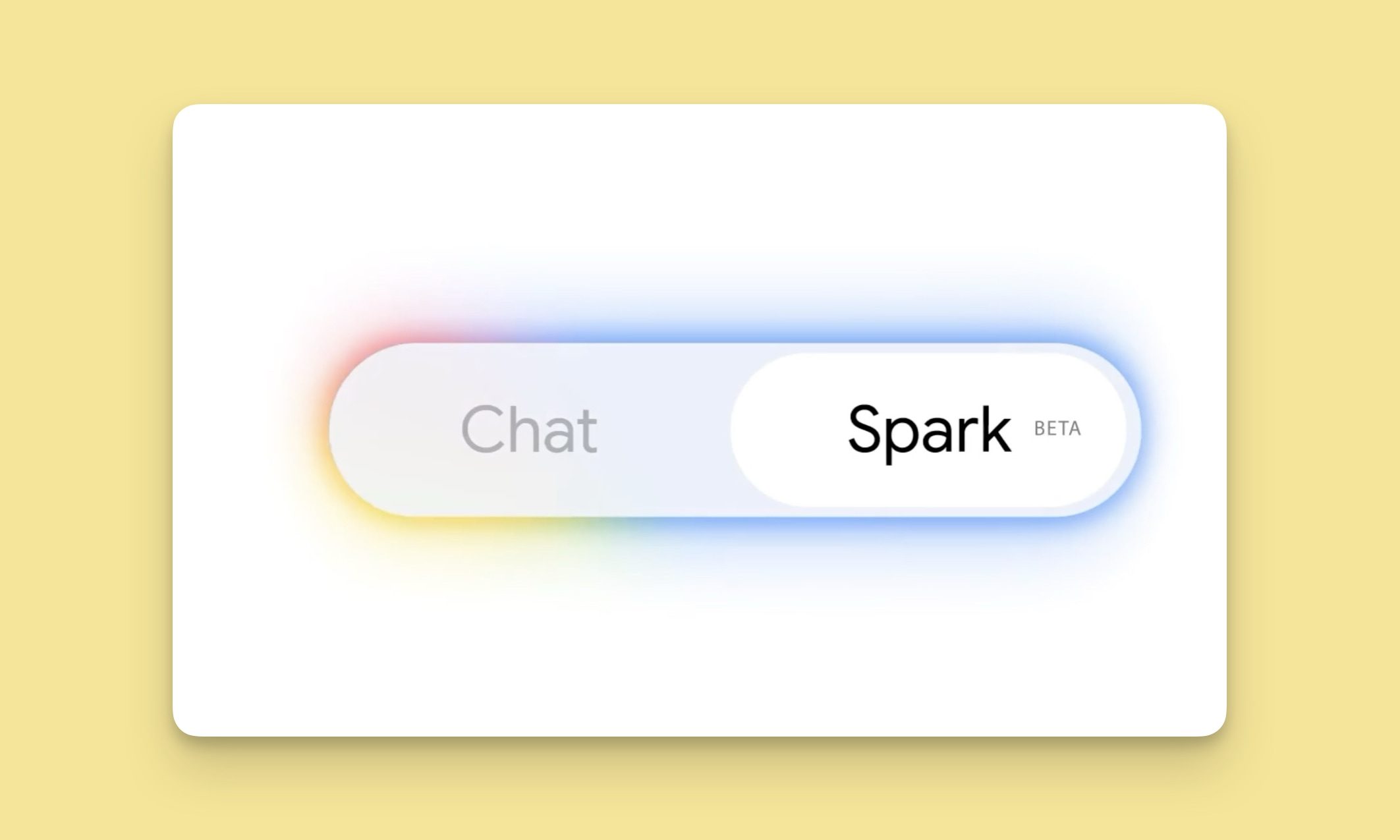
Google has just announced a big batch of updates for Gemini Spark, making the assistant far more useful than before. Gemini Spark is finally coming to the Mac desktop app, bringing deeper app connections and a new way to keep tabs on what you care about. Let us break it down.
What can Spark do on your Mac now?
The headline update is that Spark is coming to the Gemini macOS app. This means it can finally step out of the chat window and interact with your desktop files and apps. Say your Downloads folder is a mess, which mine always is; you can simply ask Spark to sort all your documents and files into their proper folders, and it will do it in an instant.
Gemini Spark can also play with your files and Google Workspace. You can ask it to whip up a budget spreadsheet using the latest invoices on your computer and even schedule regular updates. Spark can only access the files you allow it to, so you don’t have to worry about it getting unfettered access to your Mac.
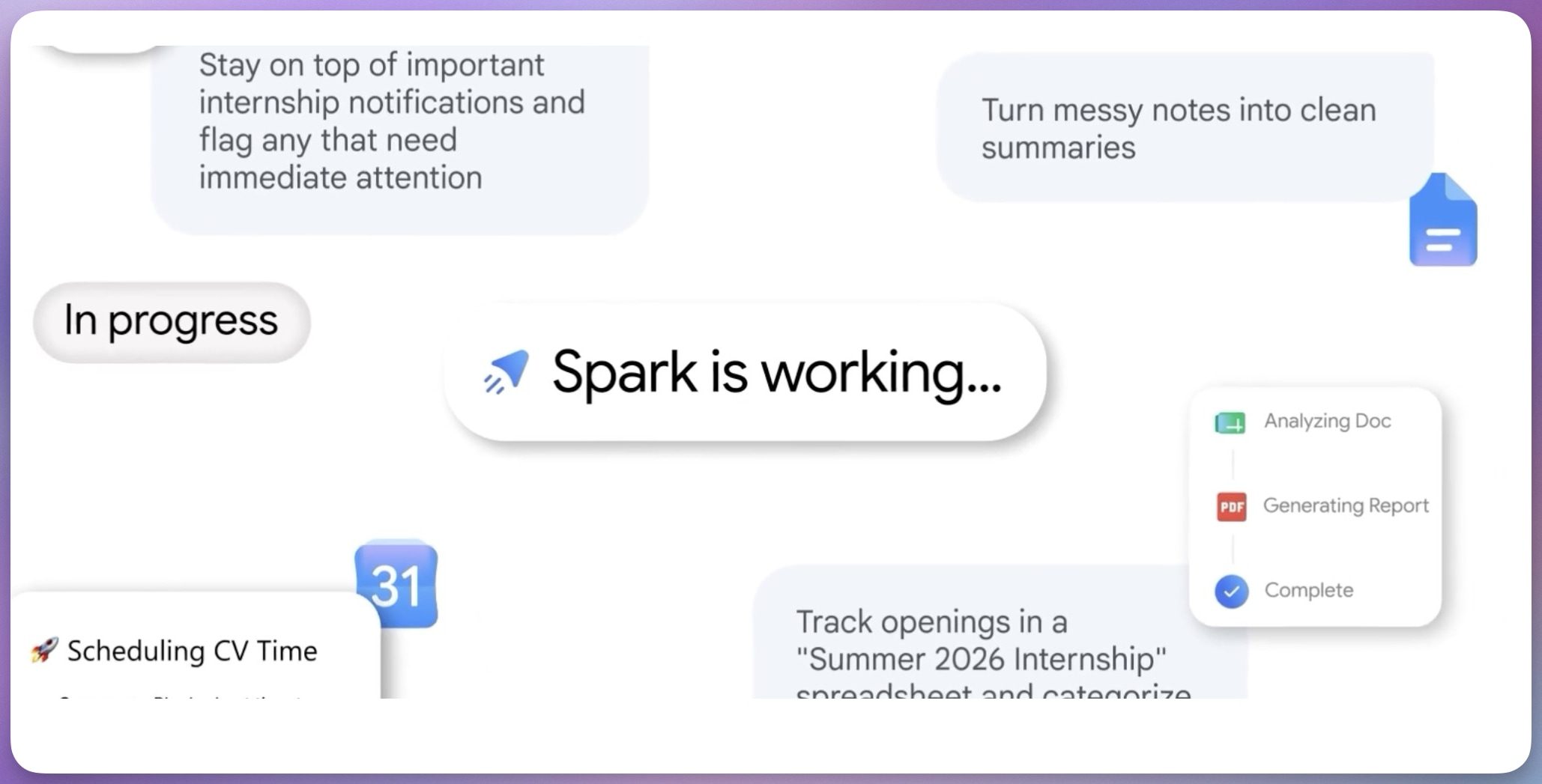
Soon, you will also be able to fire off tasks from your phone and let Spark do the work on your Mac while you are away, the same how you can remotely tasks Claude Cowork to handle tasks on your computer.
Which apps does Spark connect to?
Spark now works with Google Tasks and Google Keep, so you can turn your scattered notes into a neat action list. There are also new integrations with Canva, Dropbox, Instacart, OpenTable, and Zillow Rentals, letting you design flyers, share files, book a table for date night, or order your weekly groceries.
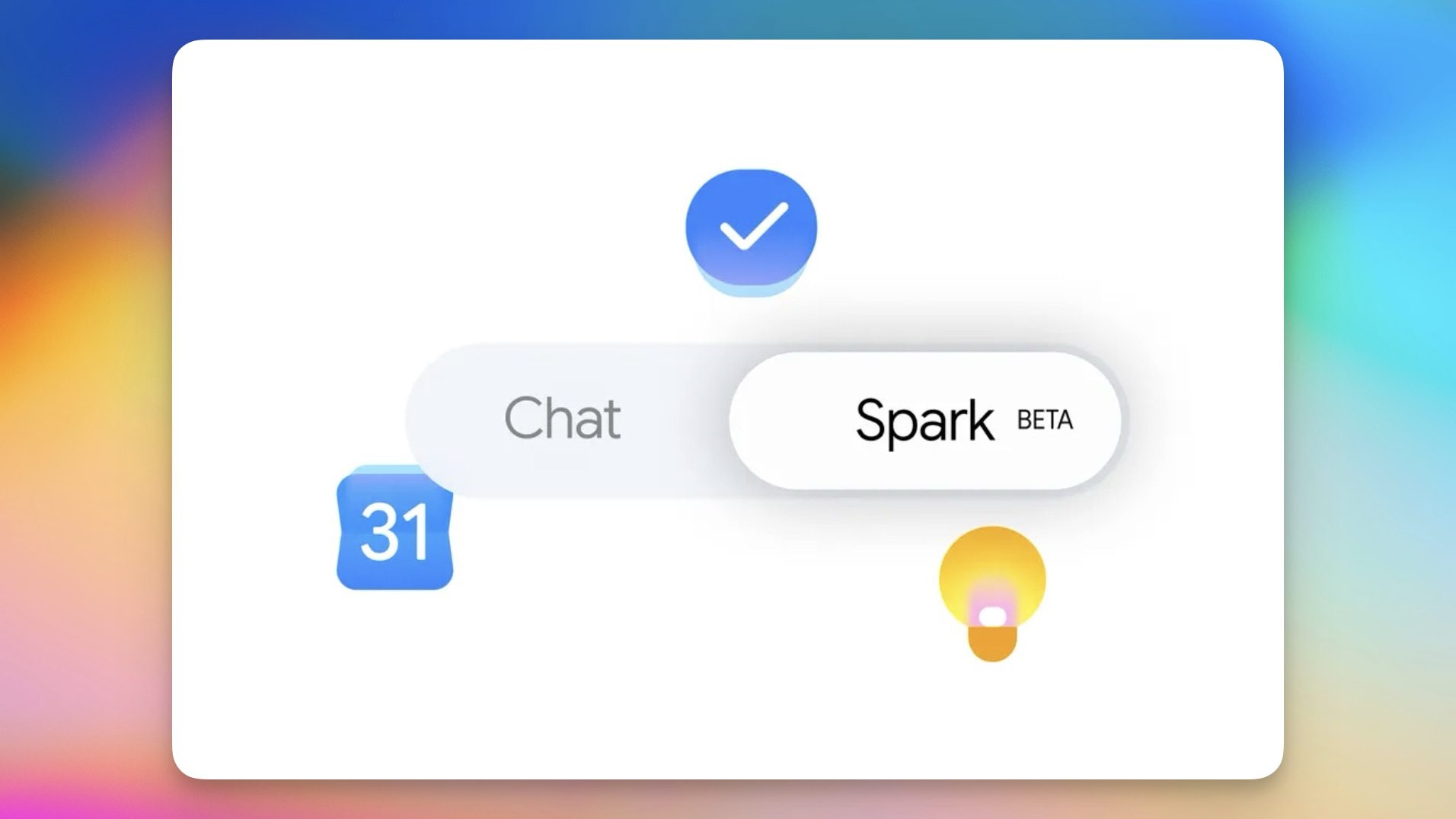
According to Google, these connections roll out over the next week on web and mobile, with macOS following shortly after.
Finally, Spark can now watch topics and react to events as they happen. Want match highlights or a financial report when a stock hits a certain price? Spark can keep an eye on it and send you a notification instantly when these things happen.
Between the new Mac app that can work with files, the extra app connections, and the real-time tracking, Spark is quietly turning into a proper do-it-all assistant. Give it a try and let us know which feature you are most excited to put to work.