Compliments aside, I do wonder about the pace of maintenance as I ran into several unfixed and new operational issues — including the Mac version crashing upon first use. Todo needs some TLC.
What are EaseUS Todo Backup Home 2026’s features?
I refer to Todo Backup Home as a suite because it combines whole-drive and partition imaging, file and folder backup, as well as one-way and two-way sync. It also offers the ability to clone disks, a pre-OS recovery environment (recover the system without a boot disc), and a secure (hidden) partition for safely storing backups. Add in 1TB of online storage and voila! You’ve got yourself a backup suite.
Read on to learn more, then see our roundup of the best Windows backup software for comparison.
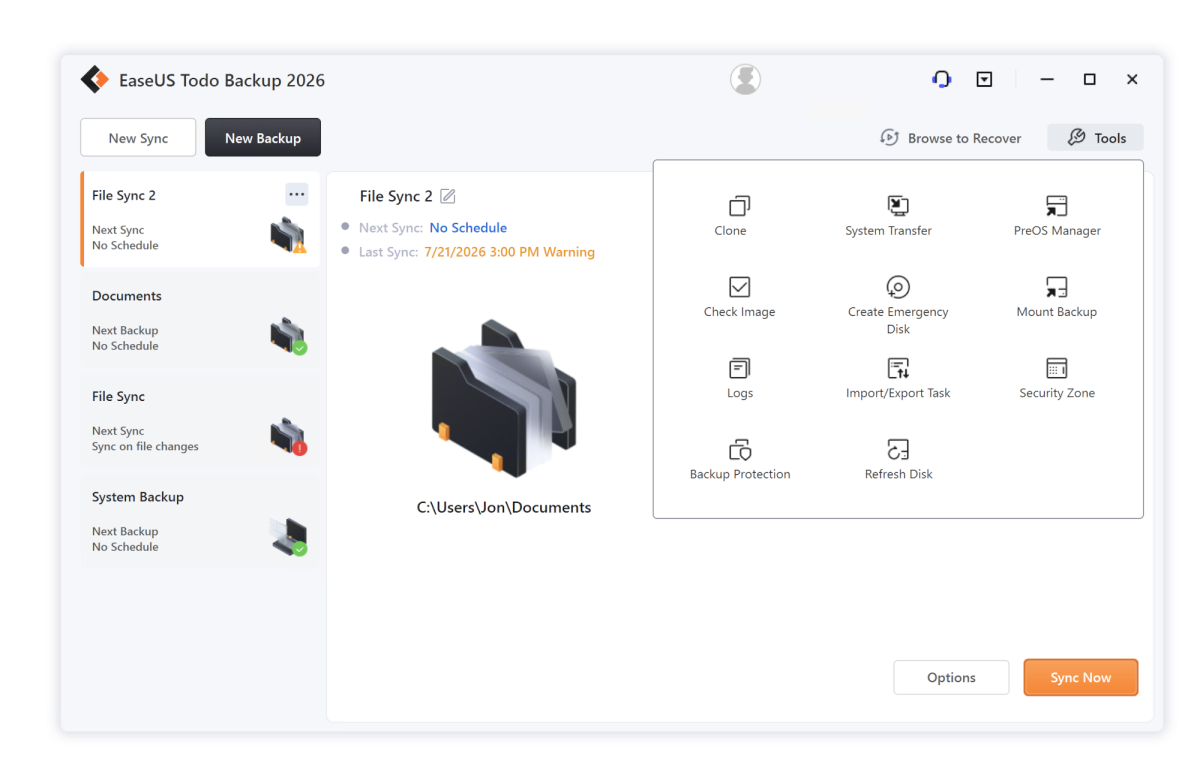
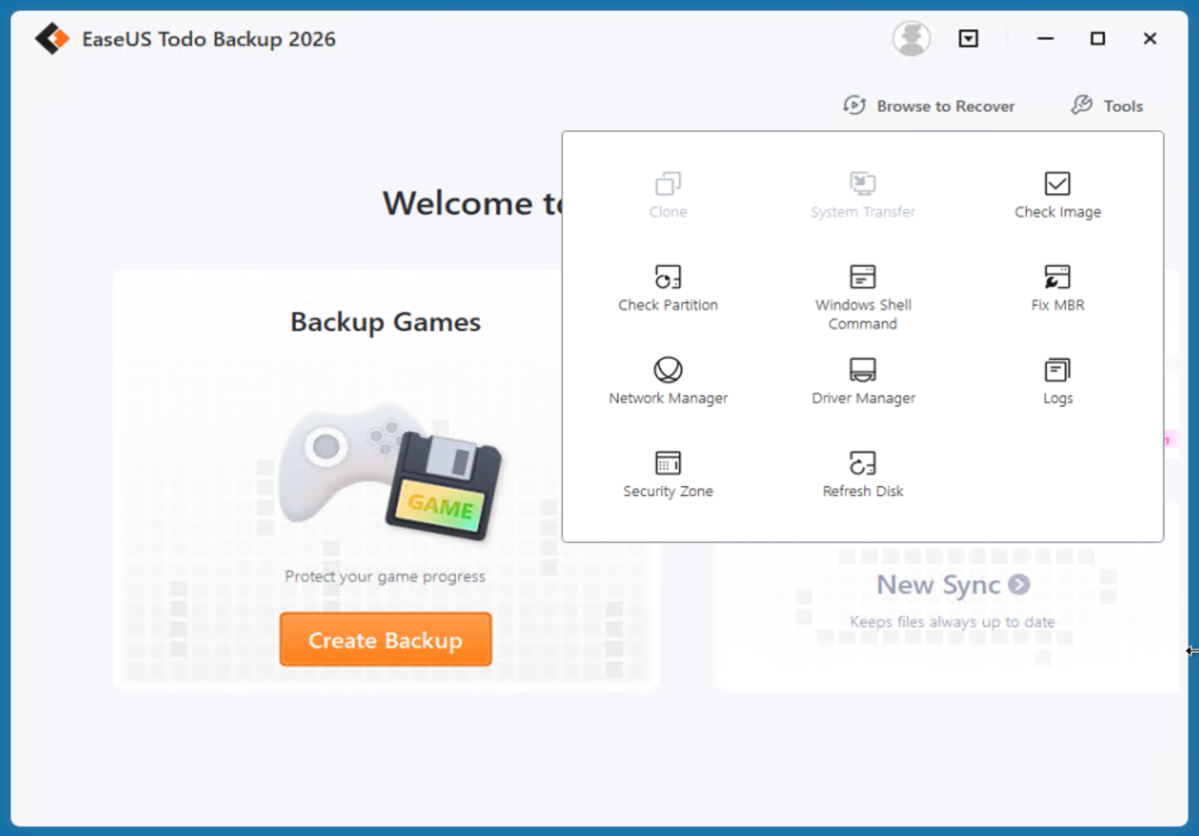
There’s also a WinPE recovery disc featuring a full version of the program for restoring files, or even making new backups. The ability to back up using the recovery disc can be handy if you’re looking to safeguard the data on a failing machine that you aren’t sure has been backed up recently.
When I help friends try to recover data, I always create a full image of the drive in question using a boot disc before diving in with other recovery and repair utilities.
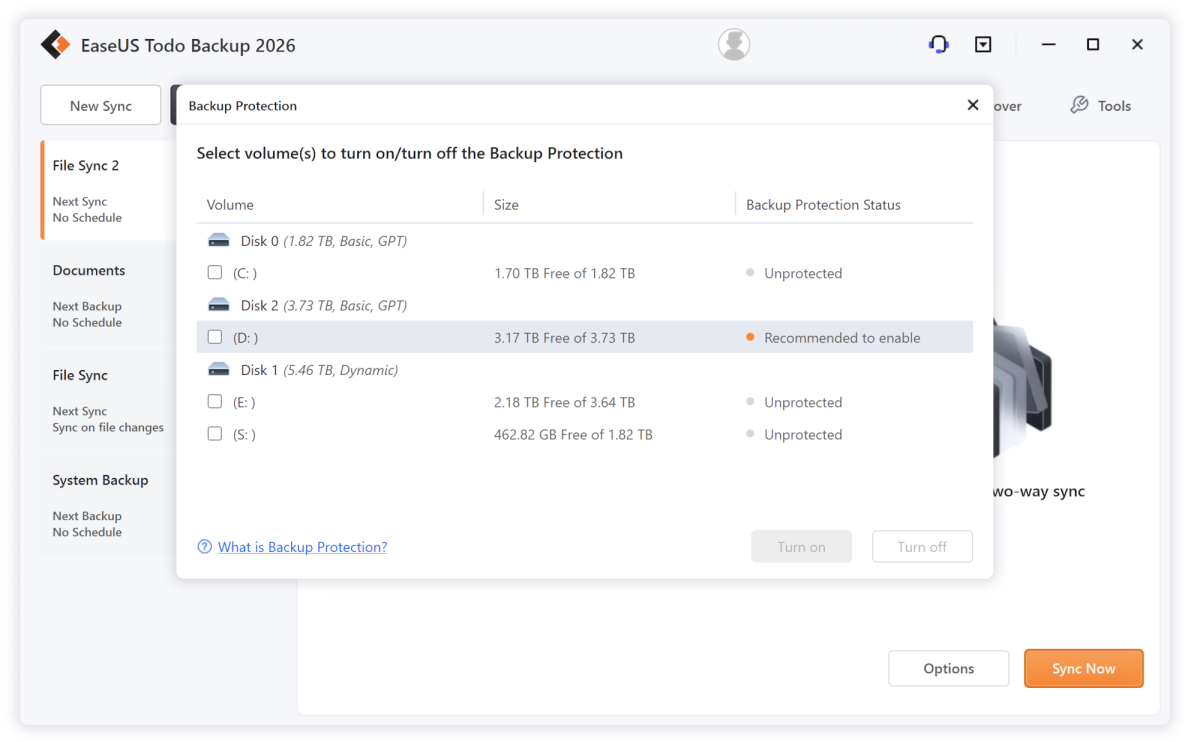
Todo Backup Home 2026 also sports one of the latest en vogue features — backup protection. As Todo Backup (like others) keeps an agent running in the background, it monitors your backed up files and warns you if there’s any attempt to delete them. Even by you. (My only issue with this feature is that when you select the drives to protect, the dialog doesn’t show you the name of the drives.)
Other features include granular scheduling, full support for reading from and to network destinations, compression, encryption, task priority, splitting of images, as well as pre-run and post-run commands. There’s also an offsite copy option, which allows you to create a second copy of any backup to an FTP site. Why this doesn’t extend to the cloud, or SMB, or even another local storage location I can’t say. It would be super handy.