Meta’s Muse AI agent has only been around for a few days, but the company is already giving it a much bigger place in your digital life. Muse now has a dedicated Mac app, allowing the AI agent to work directly with apps and files on your computer.
Meta CEO Mark Zuckerberg announced the launch on X, saying Muse can work across files, calendars, notes, messages, and other apps on a Mac. Crucially, you decide what the agent can access. Muse itself debuted some time ago as Meta’s personal AI agent, with apps for iOS and Android alongside a web version. Unlike a regular chatbot that mostly waits for questions, Muse is designed to actually carry out tasks on your behalf.
Muse can actually work with what’s on your Mac
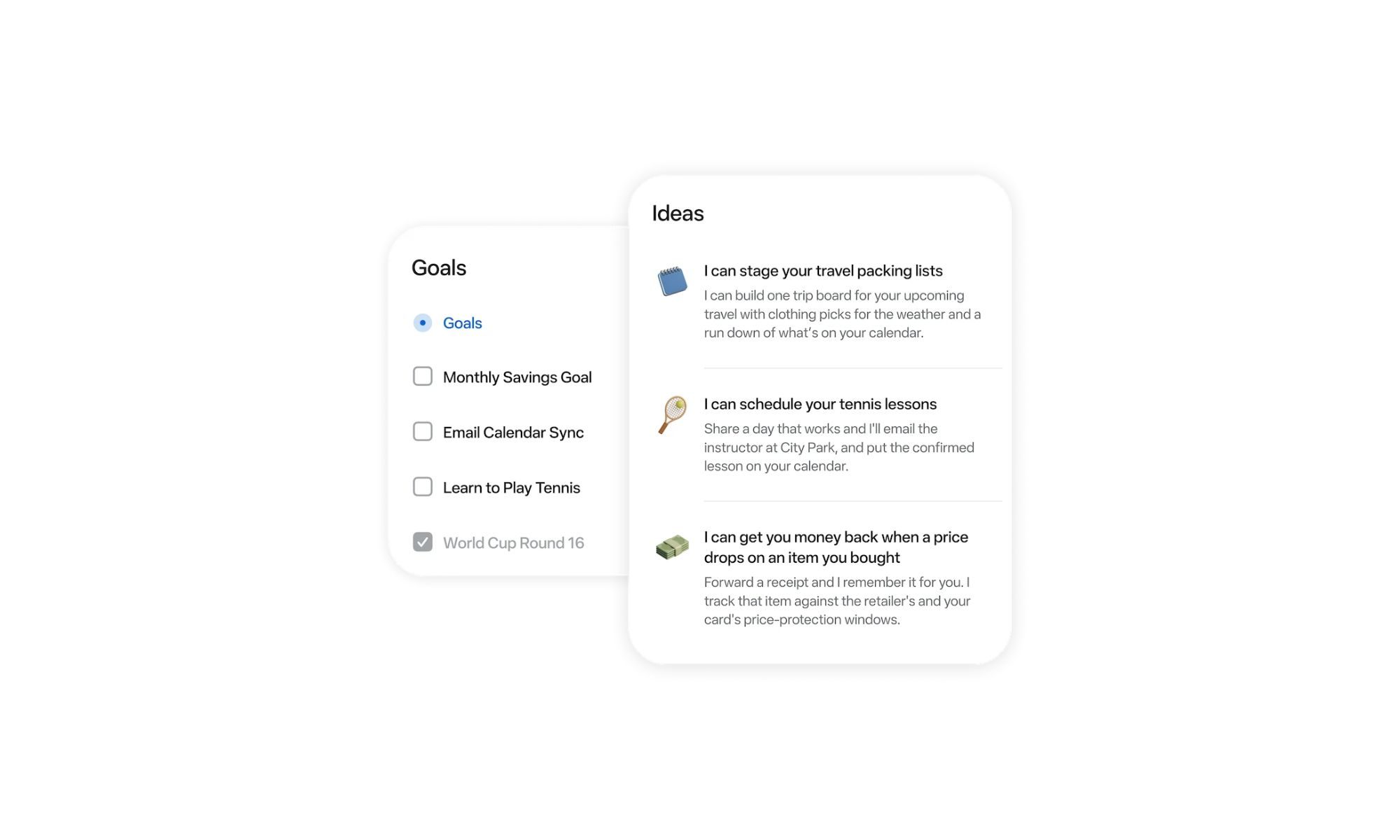
The Mac app makes that idea considerably more interesting because Muse can now interact with information already sitting on your computer. For example, you can ask it to organize folders, finish filling out a form using information stored in your files, or create an end-of-day summary by pulling together details from emails, messages, and notes.
It can work with Mac apps including Messages, Calendar, Notes, and Mail. This allows Muse to help with tasks across the apps you already use on your Mac.
You decide how much access Muse gets
Of course, for Muse to be useful across your Mac, it needs access to some of the information stored on it. Meta says that remains up to you, including whether you want to give Muse Full Disk Access. You can also change those permissions at any time through Settings.
Even with that access enabled, Muse won’t carry out every action on its own. For anything more sensitive, such as deleting a file or sending a message, it will ask you to confirm before going ahead