Your phone can fold in half, but your keys shouldn’t join it.
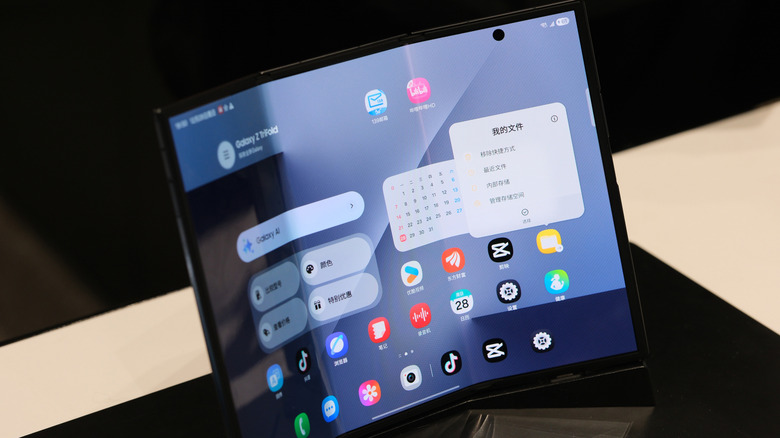
The most common mistake you should avoid when using foldable phones is dropping them. But that’s common knowledge and doesn’t make for a very exciting discussion. You’re probably thinking about the inside foldable screen, where the most common way to damage it is closing it on something that shouldn’t be there. Samsung’s foldable care page warns that cards, coins or keys can scratch or even puncture a Galaxy foldable’s inner display.
That seems straightforward enough; just make sure your car keys aren’t sitting on top of your phone when you try to close it. But if you work a particularly dirty job or live near the beach, that complicates matters. You can’t always spot dirt easily, and beach sand will find its way into absolutely anything.
Keep in mind that not all foldables are on equal footing. Some foldable screens are a bit softer and weaker than others. The Galaxy Z Fold8 and Fold8 Ultra, for instance, have an IP48 rating, whereas the new iPhone Duo boasts an IP68. The first digit describes the degree of protection against solid objects; a 4 means objects 1mm thick or larger can’t enter, while 6 indicates a dust-tight device.
Treat the inner screen with care
A foldable’s inner screen is far from a conventional slab-phone display. It has to fold, after all, so don’t assume you can press on it as firmly as you would on a standard phone’s outer glass. That includes actions you’ve probably done without thinking, like scratching a speck from the screen with your nail.
Another mistake is peeling off a factory-applied inner screen film because it looks like disposable shipping protection. This was surprisingly easy to do early on, but now the edges are tucked in and better hidden. Samsung highly recommends leaving these protective layers alone. On the flipside, don’t stick an unapproved screen protector over a foldable display. These phones aren’t like their slab cousins, so any old screen protector won’t do. Only use a protector or stylus the manufacturer specifically lists as compatible with that model.
You don’t have to baby a foldable phone, though it may seem that way coming from a traditional smartphone. These precautions just require you to be a little more particular when handling the folding screen. Avoid any concentrated force or closing it on anything other than open air.
What is the lifespan of a foldable phone?
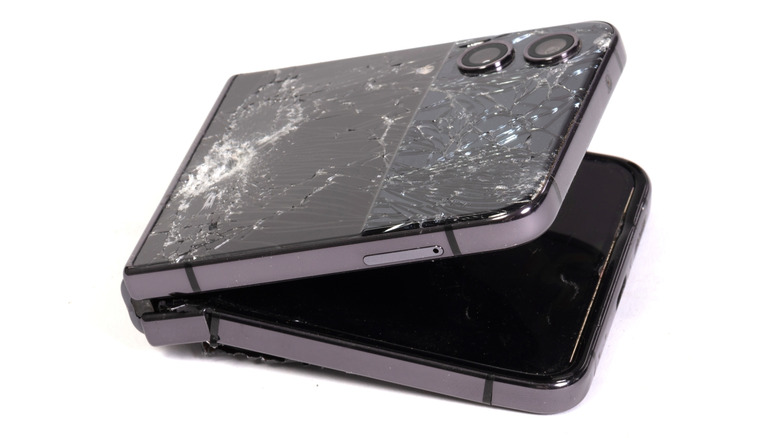
There is no specific lifespan for foldables, though there are suggestions and indicators. For instance, we know that manufacturers test the hinges and screens by folding the phones between 200,000 and 500,000 times. If you open your phone 100 times a day, that would be 5 to 10 years.
However, that’s not a guarantee. Samsung claimed the Galaxy Z Fold7’s display remained functional after 500,000 folds in lab testing. Sounds pretty reassuring, but a controlled test doesn’t mean the Fold7 would survive that many opens and closes throughout your daily life. In the past, Samsung’s claim of 200,000 folds on the original Galaxy Fold fell short. When you hear figures tossed around, treat them as general benchmarks and marketing numbers.
Besides, it’s far more useful to check for dirt before you close the phone than to count your folds each day. Don’t push heavily on the display or use the wrong stylus. Use a soft cloth to clean marks on the screen instead of digging at them with your fingernail. And while the IP68 rating sounds great, Apple notes that the iPhone Duo’s water and dust resistance may diminish with normal wear. Nothing lasts forever, but wear increases faster when moving parts are involved.