A virtual private network (VPN) encrypts your internet traffic and routes it through a server run by the VPN provider. Websites see the VPN server’s IP address instead of yours, and you can get around geo-blocks, censorship, and ISP throttling. The best VPN services are paid, but there are still a handful of free options that do the job well.
Most free VPNs come with a hidden cost, because running servers isn’t cheap and a company that doesn’t charge you has to make its money somewhere else. Many do so by logging your browsing activity and selling it to advertisers, while others flood you with ads and track you across apps.
We’ve skipped the risky ones and narrowed this list down to the few free VPNs actually worth trusting, though none of them suits every single need. Each free plan has its own limits, so we’ve matched each pick to the kind of user those limits won’t get in the way.

Best Free VPN overall
Proton VPN
| Pros | Cons |
|---|---|
| ✓ Unlimited data with no ads | ✗ Can’t choose your location |
| ✓ Audited no-logs policy | ✗ One device only |
| ✓ Kill switch and Stealth protocol included |
- Country of registration: Switzerland
- Clients supported: Windows, macOS, Linux, iOS, Android, Android TV, Chromebook, browser extensions, routers
- Number of free locations: 10 countries
- Number of simultaneous connections: 1
- Special features: Unlimited data, no ads, kill switch, Stealth protocol
Proton VPN is our top free pick because it avoids several of the restrictions that usually make free VPNs frustrating to use. There is no monthly data allowance, no advertising, and no speed cap imposed specifically because you are using the free tier. Free accounts are also protected by the same no-logs policy as paying customers, backed by Proton’s Swiss jurisdiction.
Security features have not been stripped out of the free version either. Proton includes a kill switch and its Stealth protocol, which disguises VPN traffic to make it harder for restrictive networks to identify and block the connection. Router support also means it is possible to protect devices across a home network while still using the single connection allowed by the free account.
The biggest compromise is how little control you get over the connection itself. Free users cannot manually select a server location, as Proton automatically chooses an available free server, and performance can drop when those servers become crowded. Anyone who mainly wants private everyday browsing without worrying about a monthly data allowance should find those limitations fairly easy to live with.
Best Multi-Device Free vpn
Windscribe
| Pros | Cons |
|---|---|
| ✓ Unlimited devices | ✗ 10GB monthly data cap |
| ✓ Built-in ad and tracker blocker | ✗ Inconsistent speeds |
| ✓ Supports torrenting |
If you want to protect several devices without paying, Windscribe gives you much more room than most free VPNs. There is no limit on simultaneous connections, and the free plan still includes many of the features available to paying customers, including its always-on Firewall, split tunneling, R.O.B.E.R.T. blocker for ads and trackers, and support for torrenting.
Where Windscribe becomes more restrictive is data usage. An account created without an email address starts with 2GB each month, while confirming your email raises that permanently to 10GB. Posting about Windscribe on X can add another 5GB if you have at least three followers, and every successful referral gives both users an extra 1GB per month. Unsubscribing from Windscribe’s promotional emails drops the allowance back to 2GB.
Free servers can also become noticeably slower when they are busy, and services such as Netflix may detect and block some connections. Even with those limitations, Windscribe works well for households with several phones, laptops, or other devices that need occasional VPN access, as long as the monthly data allowance is enough for how you plan to use it.
Best uncapped free VPN
Hide.me
| Pros | Cons |
|---|---|
| ✓ Unlimited data with no ads | ✗ Throttled speeds |
| ✓ No email needed to sign up | ✗ Free plan needs renewing every 30 days |
| ✓ Choose your own location |
- Country of registration: Malaysia
- Clients supported: Windows, macOS, Linux, iOS, Android, browser extensions
- Number of free locations: 8 countries
- Number of simultaneous connections: 1
- Special features: Unlimited data, no ads, no email needed, kill switch, split tunneling
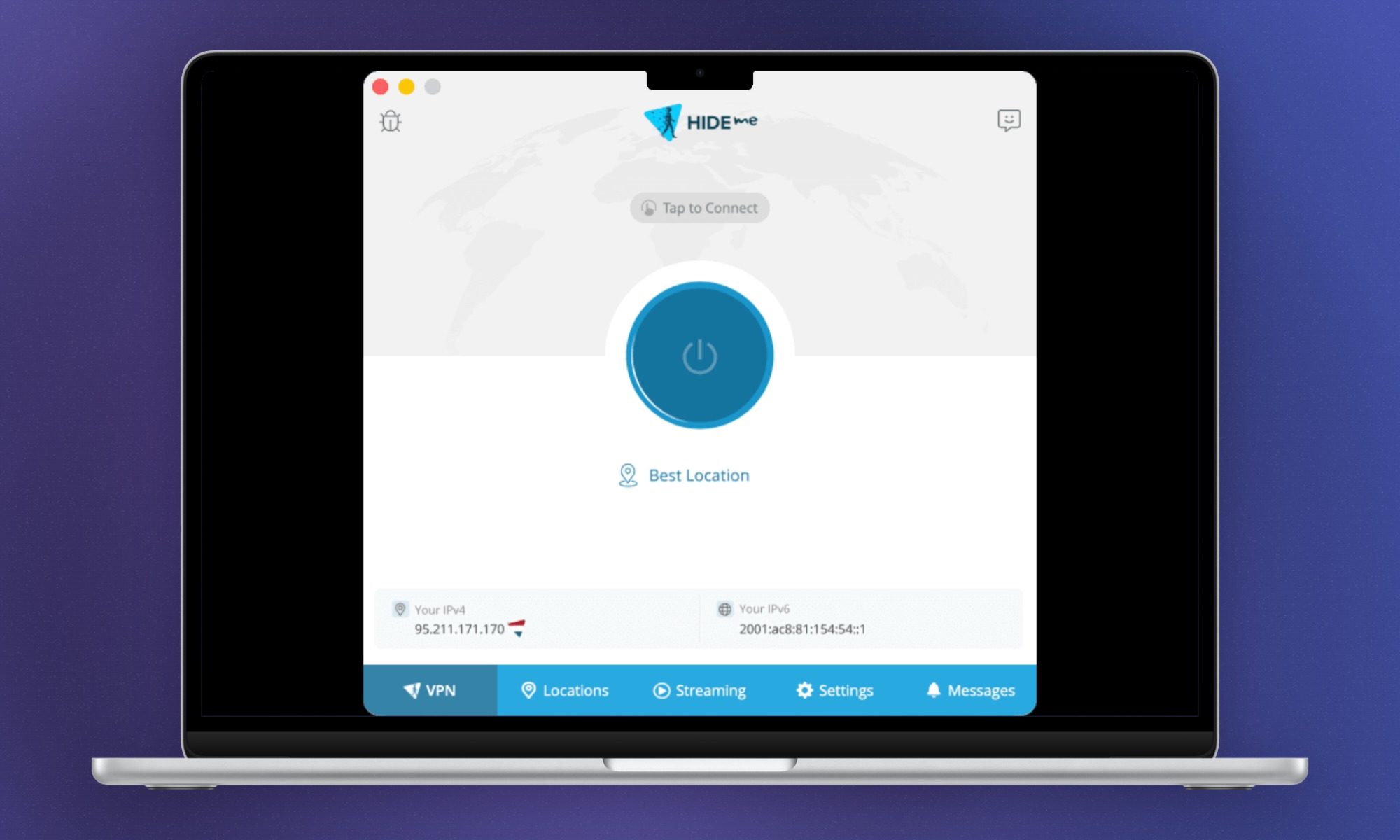
Getting unlimited VPN data for free usually involves giving something up elsewhere, but Hide.me keeps the compromises relatively manageable. You can use the service all month without counting gigabytes, there are no ads, and you do not even need to provide an email address to get started. The same no-logs policy used for paid accounts applies here as well, and Securitum independently audited it in 2024.
There is also more control over the connection than Proton gives its free users. Hide.me lets you choose from its available free locations and includes a kill switch across supported platforms, while split tunneling is available on Windows, Mac, and Android.
The trade-off shows up mostly in performance and convenience. Free accounts are throttled, the smaller server pool can become congested at busy times, and the free plan needs to be renewed every 30 days. Those drawbacks are easier to accept if unlimited browsing and signing up without an email address matter more than getting the fastest possible connection.
Best free vpn for streaming
PrivadoVPN
| Pros | Cons |
|---|---|
| ✓ Streaming-friendly free servers | ✗ No independent audit |
| ✓ Choose your own location | ✗ Kill switch on desktop only |
| ✓ Supports torrenting |
- Country of registration: Switzerland
- Clients supported: Windows, macOS, iOS, Android, Android TV, Apple TV
- Number of free locations: 10 countries
- Number of simultaneous connections: 1
- Special features: Streaming-friendly free servers, P2P support, SmartRoute split tunneling, kill switch
Streaming is where PrivadoVPN makes the strongest case for itself, since its free servers can still access a number of major platforms and the service does not separately restrict streaming or torrenting. Free users get 10GB every 30 days across servers in 10 countries, and unlike some rivals, PrivadoVPN lets you choose exactly where you want to connect.
Reaching the monthly allowance does not mean the VPN immediately stops working. Instead, PrivadoVPN moves the connection onto limited emergency servers until the next allowance begins, which gives you at least some connectivity rather than cutting access completely.
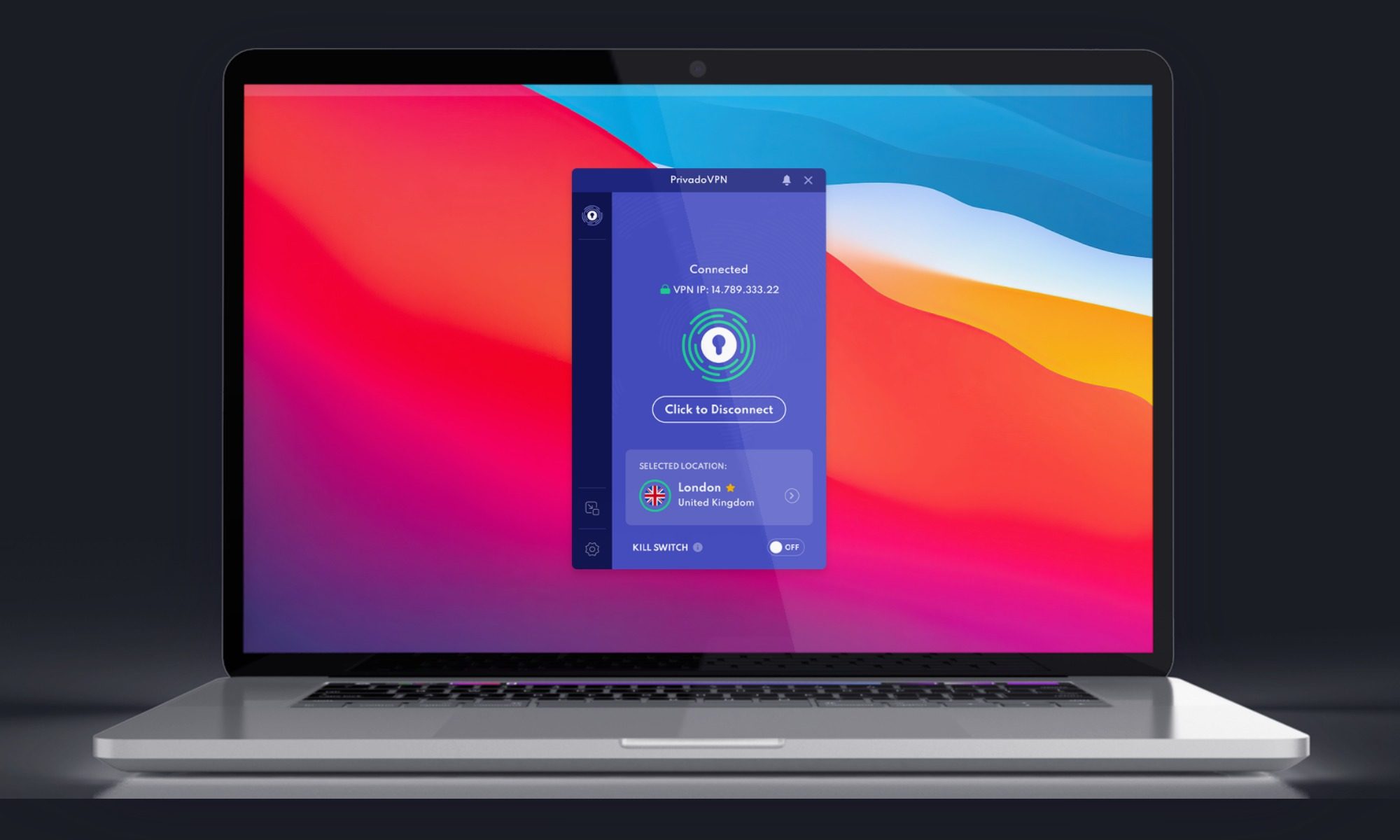
There are useful extras here too, including SmartRoute split tunneling for deciding which apps and websites use the VPN. Windows and Mac users get a kill switch, although Android relies on the operating system’s built-in equivalent. Only one device can connect at a time, and the company’s no-logs claims have not been independently audited, leaving less external verification than you get from some of the other services on this list.
For someone who only needs a VPN occasionally for streaming or torrenting, the combination of location choice and relatively generous free features is appealing. The 10GB monthly allowance is the main thing you will need to keep an eye on.
Best for Anonymity
Orbot
| Pros | Cons |
|---|---|
| ✓ Completely free with no account | ✗ Much slower than a VPN |
| ✓ No company holding your data | ✗ Mobile only |
| ✓ Bridges help bypass censorship |
- Country of registration: Not a commercial company (developed by the Guardian Project, an open-source collective)
- Clients supported: Android, iOS
- Number of free locations: 78 countries
- Number of simultaneous connections: Unlimited
- Special features: Tor-based routing, per-app protection, censorship-bypassing bridges, .onion site access, open-source code
Anyone primarily concerned with anonymity rather than streaming or connection speed should look at Orbot differently than the other options here. Instead of routing traffic through servers operated by a commercial VPN company, it sends connections across the Tor network of volunteer-run relays, so no single point in the route can see both where the traffic came from and where it is going.
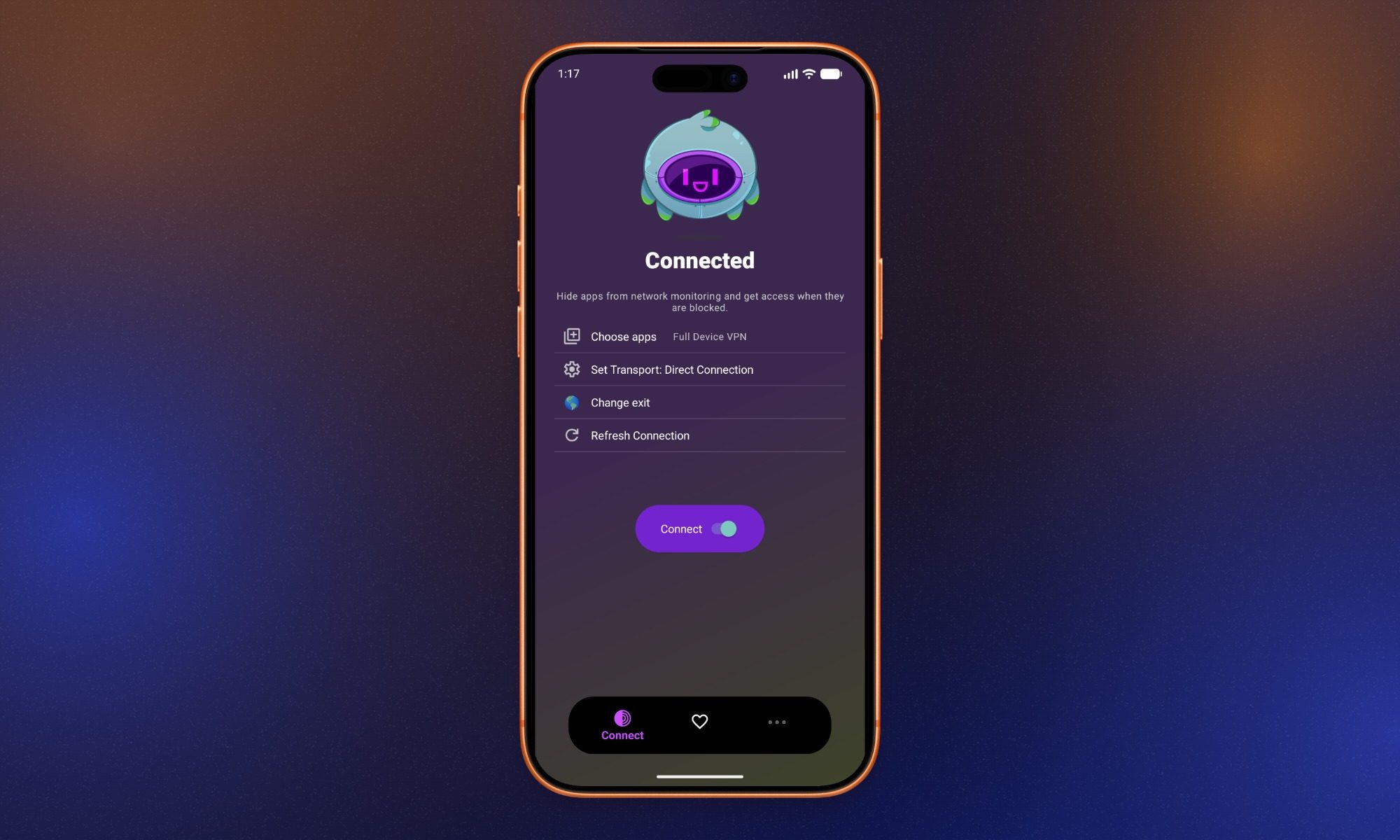
There is no subscription, account, advertising, or monthly data allowance, and the software is open source. That also means no VPN company sits between you and the internet asking you to trust its no-logs policy. On mobile, Orbot can protect traffic through Tor and includes bridges that can help when access to the Tor network itself is restricted.
All of that additional routing comes at a considerable cost to speed. Streaming and large downloads are generally impractical, some websites repeatedly serve CAPTCHAs or block Tor traffic altogether, and the iOS version is more limited than the Android app. So Orbot makes much more sense for mobile users who need stronger anonymity or another route around censorship than it does for someone looking for a fast everyday VPN. If streaming, downloads, or general browsing speed are the priority, one of the conventional VPNs above will be a better fit.