A full web browser on your TV
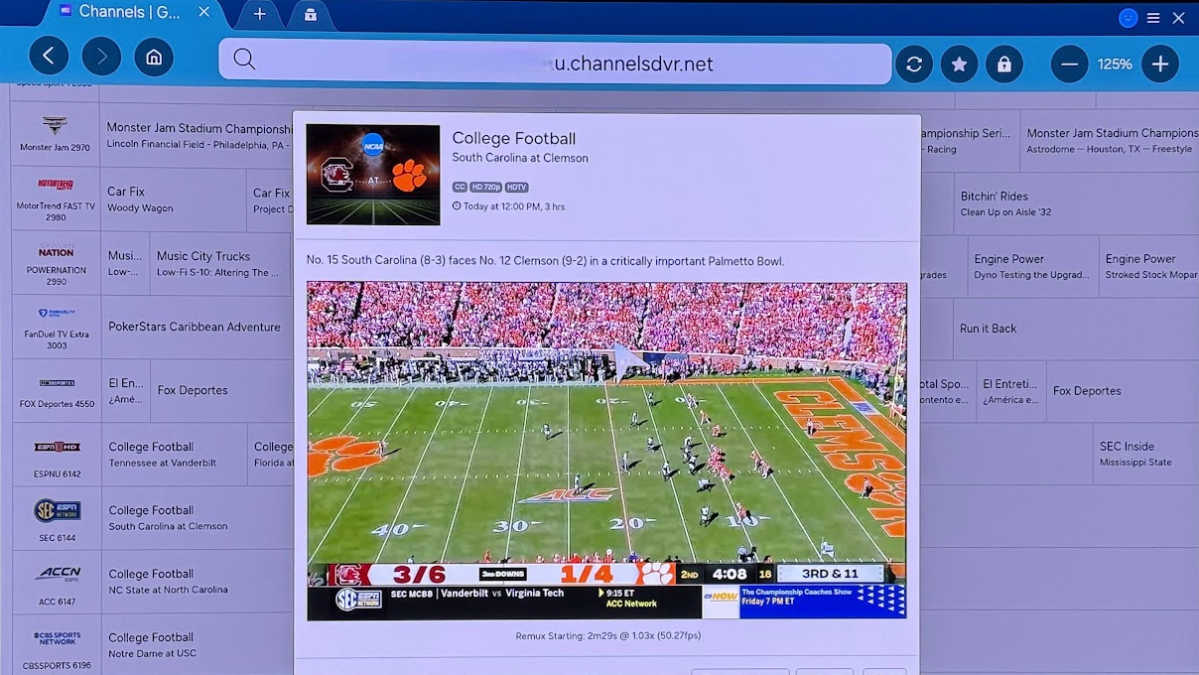
When you connect a PC to your TV, you get a full web browser experience that lets you use absolutely any website or streaming service on your TV with zero compatibility concerns. That means access to any video or music streaming service, even ones unavailable on TVs.
For example, want to watch Twitch channels on a Roku? You can’t because there’s no official app. Want to stream music from an artist’s Bandcamp page? Can’t do that either because Bandcamp doesn’t offer apps on streaming devices. (Plus, searching for apps gets annoying fast.)
Jared Newman / Foundry
Instead of juggling your phone and casting Twitch streams over Chromecast and Bandcamp songs via Bluetooth, you can just use a full web browser to watch or listen to anything you want. After dealing with so many fragmented TV platforms, it’s been a breath of fresh air. A PC on your TV lets you do so much more with less effort.
And you aren’t limited to streaming platforms, either. Want to scroll Instagram reels with friends? Or show your favorite Reddit threads to family? Or play your couch co-op Steam games? Easy. Your TV is essentially a PC now and you can do anything you want.
A cinematic PC gaming experience
A Windows PC offers the best gaming experience you can get in the living room. Unlike with a console, you not only get complete access to your full library of PC games, but with better performance than the PlayStation 5, Xbox Series X, or Nintendo Switch 2.
Steam
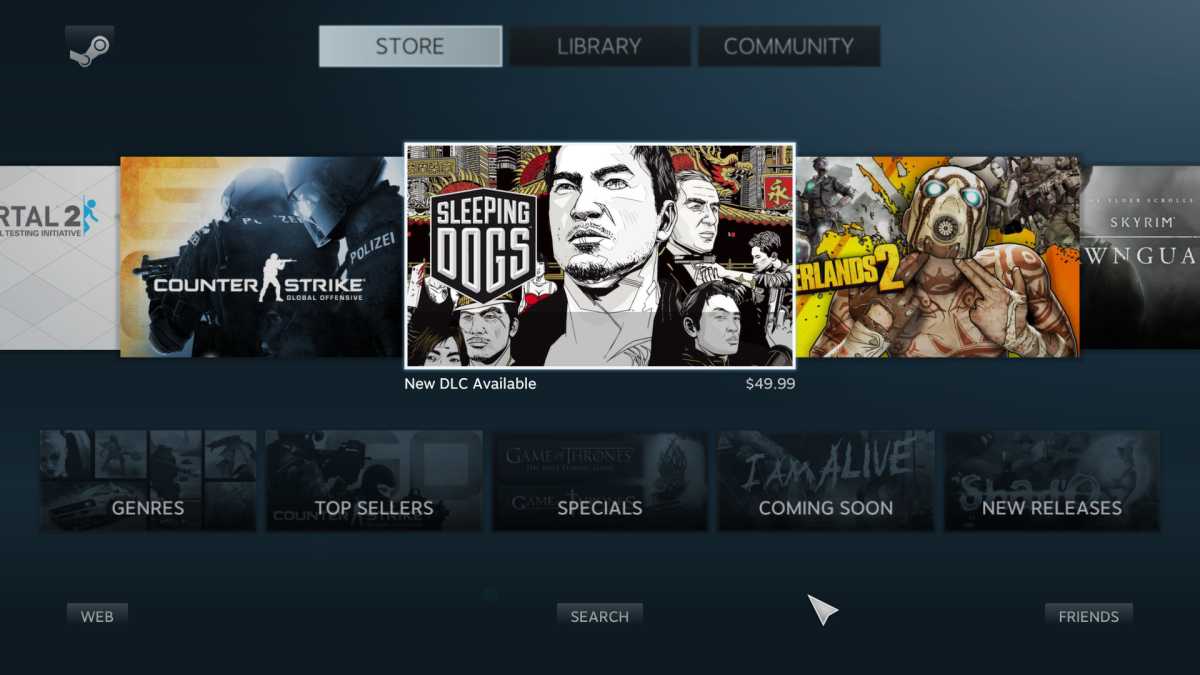
With Steam, you can enter Big Picture Mode and navigate your game library as if you were using a console to play PC games on the screen right from a couch. I played Cyberpunk 2077 in my living room with a mouse, keyboard, TV, and high-end sound system. It was excellent.
This is also a great setup for local co-op experiences. With a few controllers, you can play PC games that offer local co-op on the screen in your living room without huddling around a desktop PC.
Chris Hoffman / Foundry
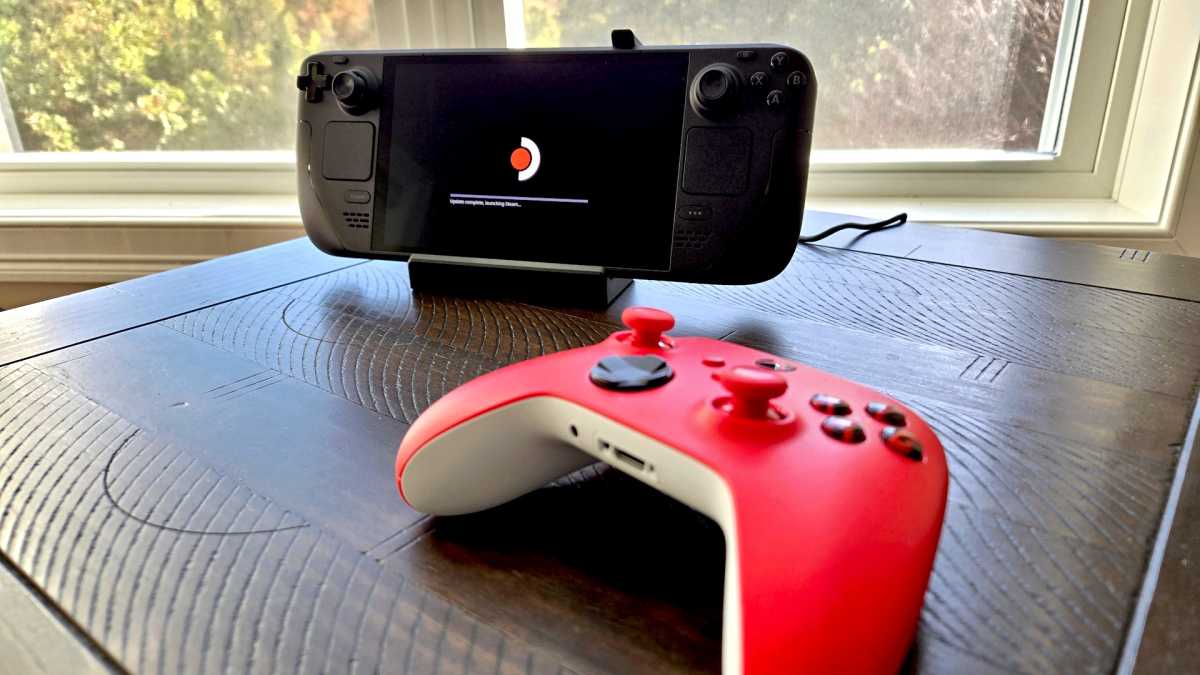
Note that while I’ve turned my Steam Deck into a DIY gaming console, I still prefer using a laptop or PC in the living room for gaming on my big-screen TV. The hardware is just more powerful.
A physical keyboard for fast text input
For any text input on a TV, I prefer a physical keyboard. I can’t stand hunting and pecking with a remote whenever I want to search YouTube or another app. And I don’t enjoy speaking into a remote and hoping it understands my voice commands correctly.
Having a wireless keyboard (with that built-in touchpad I mentioned) in your lap is so much more convenient. If you’re like me and hate inputting text on your TV, consider opting for a proper keyboard.
It’s worth noting that you can pair wireless Bluetooth keyboards with many modern streaming devices. You don’t actually need a Windows PC for this. But a keyboard is most powerful when paired with a PC—you get keyboard shortcuts on your living room TV, too!