iOS 26.4 beta 4 allows you to disable one more Liquid Glass effect
Apple just launched the iOS 26.4 beta 4 today, which has a new setting that allows you to disable another Liquid Glass element, according to a 9to5Mac report. Housed in the Accessibility settings, the new “Reduce Bright Effects” toggle disables various flashing animations across the iOS interface. Those are most prominent when selecting a text input bar. Tapping on such an item makes it flash, which often makes the selected text invisible for a second.
If you are on the latest iOS 26.4 beta, you can find the new toggle in the following menu:
- Settings
- Accessibility
- Display & Text Size
Liquid Glass is slowly solidifying
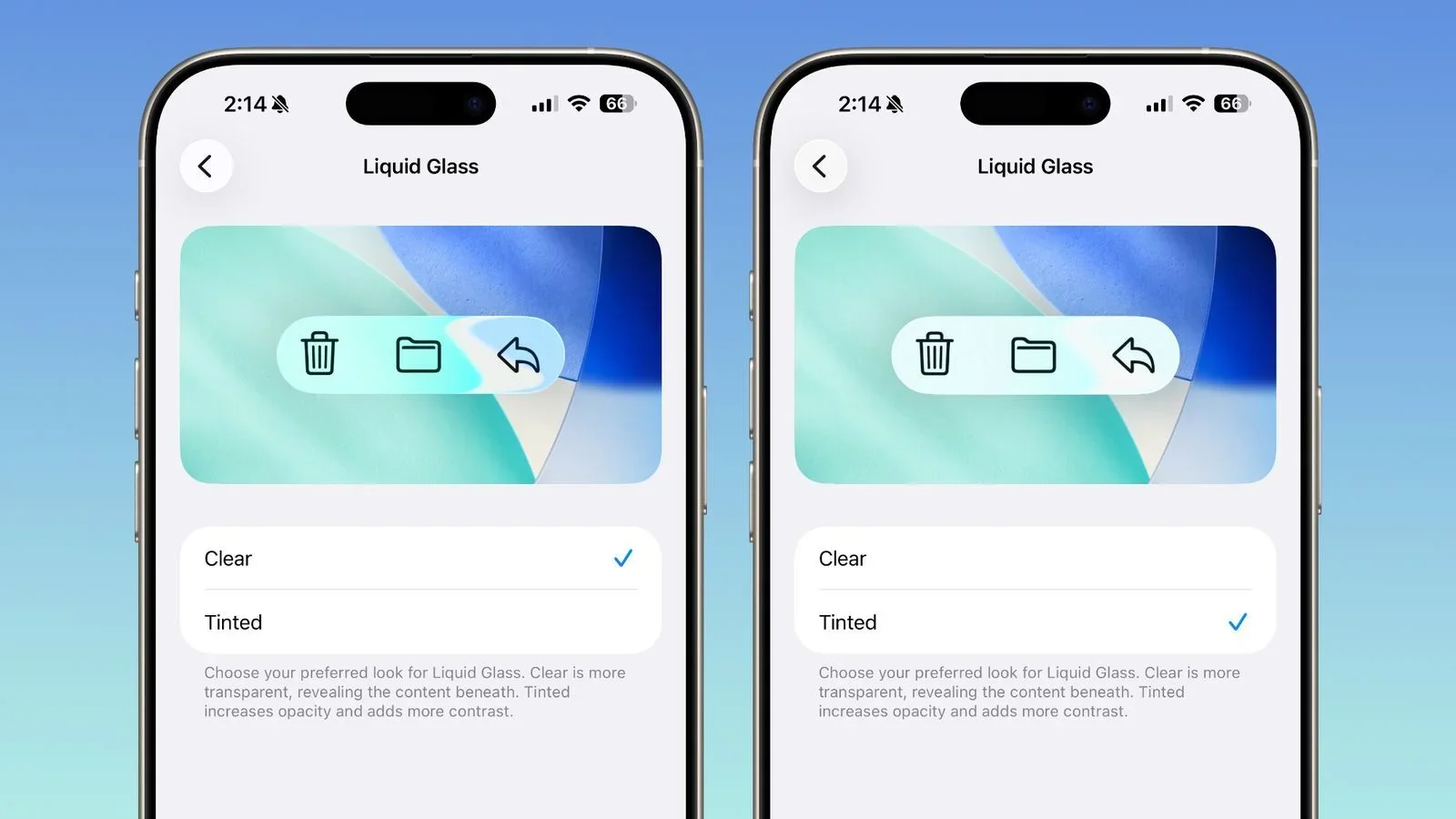
iOS 26.1 introduced a toggle to tone down Liquid Glass. | Image by MacRumors
Ever since the launch of the first iOS 26 beta, users have been very vocal about the issues with Liquid Glass. That prompted Apple to tone down the transparency of its visual elements by the official launch in September. That was taken even further with the iOS 26.1 release, which added a toggle to increase the opacity and the contrast of Liquid Glass.
Despite the criticism, some Android manufacturers didn’t shy away from copying Liquid Glass. The Realme UI 7.0 introduced the so-called Light Glass Design, which featured transparent glass-like visual elements. Vivo’s OriginOS 6 also felt a lot like Apple’s software, though the company said it was inspired by flowing water.
It’s good to have a choice
Even if a little overblown, the issues with Liquid Glass were serious enough to make many people question Apple’s choices. I’m glad the company’s answer is to give more customization options to its users, but I’d really prefer if those weren’t needed in the first place.