It’s a safe bet. No matter how badly a chip performs — hello, Intel “Arrow Lake”! — it’s always going to be better than a PC from the distant past. New is better, right? Usually. But when you start factoring in price, and the dismal state of the economy, keeping your PC upgraded to the cutting edge loses its appeal fast. Put another way, can you save money by keeping or even buying an older laptop? Sure. And how much are you really giving up when you do?
At PCWorld, I can see both sides…rather literally. With a collection of new and older laptops, I set out to see if PC makers are right, or just blowing smoke.
This story isn’t designed to sell you a new PC, or to argue that you should hold on to your older PC. Instead, I tried to put representative laptops through a variety of scenarios to demonstrate the tradeoffs between old and new. Using either real-world tests or known benchmarks, I set out to demonstrate the following differences: boot times, the time to export a PDF, how long it takes to decompress a file, and so on. It’s up to you to decide whether these performance hits are actually meaningful, or whether you can wait.
The only twist, if there is one, is that a 5-year-old laptop wasn’t close at hand. Instead, I unearthed a lightly used, 7-year-old laptop instead: the Microsoft Surface Laptop 3, a device from the pre-pandemic Before Times. I compared it to a couple of modern laptops: the Asus ZenBook (UX3607OA), with a Snapdragon X2 Elite Extreme inside and Windows on Arm; as well as the Asus ZenBook Duo, with a top-of-the-line Intel Core Ultra 300 (“Panther Lake”) processor. Both shipped this year, in 2026.
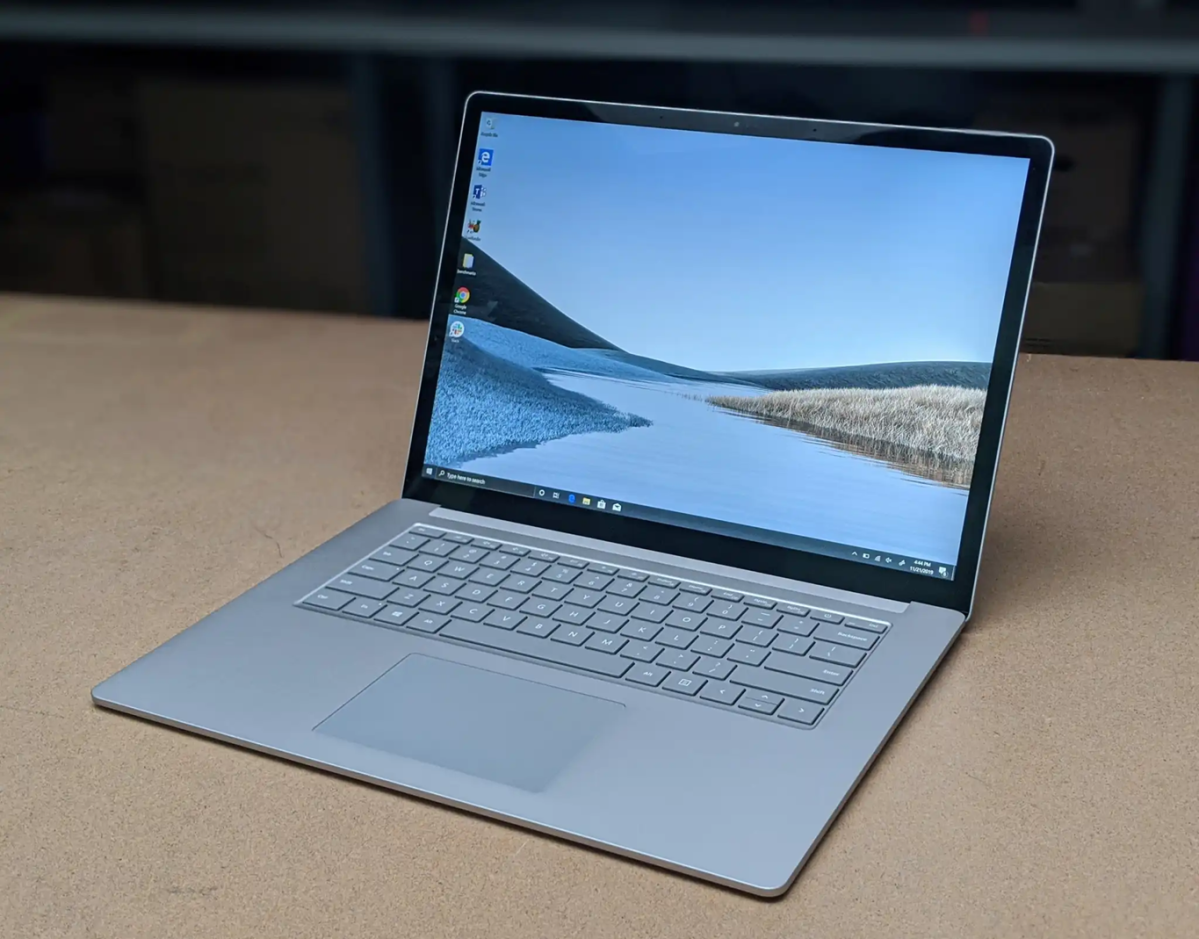
Mark Hachman / Foundry
Were the new ones better? Sure. But by how much? And were the differences worth it? I don’t always think so…but you can decide for yourself.
The old laptop actually booted faster
My first test: boot time. We’ve moved well past the era of hard drives, so “booting” is more of a question of how fast the laptop’s SSD is. It’s also a result, in part, of how many applications you have running at startup, though Windows has made an effort to deliver a responsive desktop even as it continues to load applications.