MelGeek MADE68 Ultra V2
MSRP $219.00

“Pricey, yes, but excellent for gaming, typing, and everything in between.”
Pros
- Excellent typing feel
- Smooth, stable magnetic switches
- Rapid Trigger works very well for competitive FPS games
- Solid CNC aluminum construction
- Bright, distinctive 360-degree RGB lighting
- Software is easy to use and highly configurable
Cons
- Very expensive at $219
- Wired-only
- Transparent keycaps make legends hard to read
- Secondary functions, including F1–F12, are not labled
- AI Glow feature is inconsistent
I have spent years using mechanical keyboards, and Hall Effect switches never really tempted me away from them. I understood the gaming appeal. Adjustable actuation and Rapid Trigger can make a meaningful difference in competitive games, but I also spend hours every day writing. Typing experience matters just as much to me.
The $219 MelGeek MADE68 Ultra V2 has made that distinction considerably harder to maintain.
I’ve used it as my only keyboard for the past month, both for work and gaming in Rainbow Six Siege, Counter-Strike 2, and Overwatch. Its Hall Effect implementation is excellent, HIVE 2.0 gives me an almost ridiculous amount of control, and the lighting is unlike anything I’ve used before. Surprisingly, none of those are what I would miss most if I stopped using it tomorrow. I would miss typing on it.
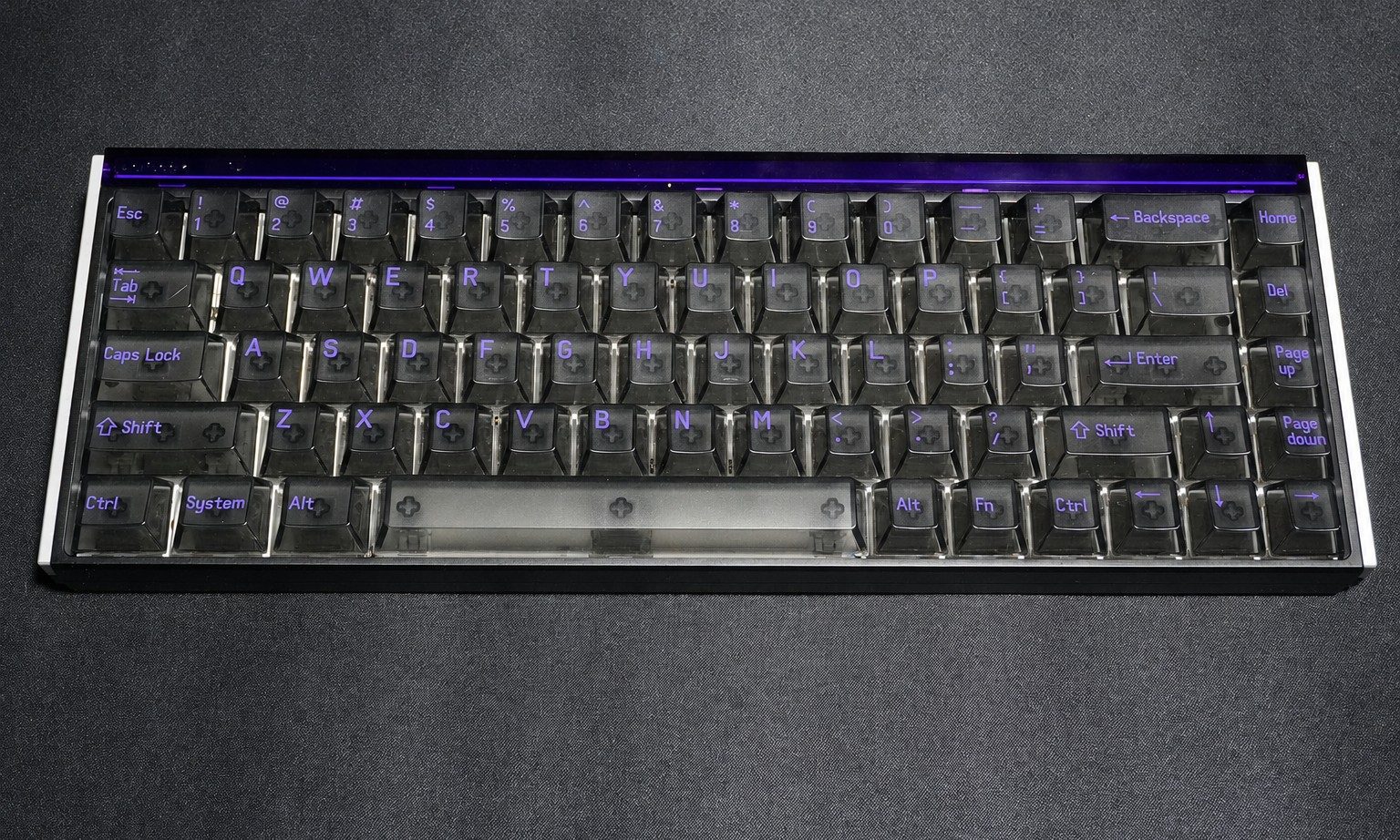
MelGeek MADE68 Ultra V2 specs
| Spec | Detail |
| Layout | 68 keys / 65% |
| Switch options | KOM Lite Magnetic Hall Effect switches, hot-swappable |
| Polling rate | 8,000 Hz via USB-C |
| NKRO | Supported |
| Chassis | Full CNC aluminum — top case, base, side panels |
| Dimensions | 319 × 117 × 40 mm, front height 18 mm, 7° angle |
| Weight | Approx. 1,175 g / 2.6 lbs |
| Lighting | 189-LED 360° perimeter ambient bar + full per-key backlight |
| Mount | Silicone Dampened Gasket |
| Connection | Detachable USB-C wired only |
| Software | MelGeek Hive, web and desktop |
| Colorways | Night Purple, Classic Black, Frost White, Boom Pink |
| Compatibility | Windows, macOS, Linux |
| Price | $219–$239 |
It certainly feels like a $219 keyboard
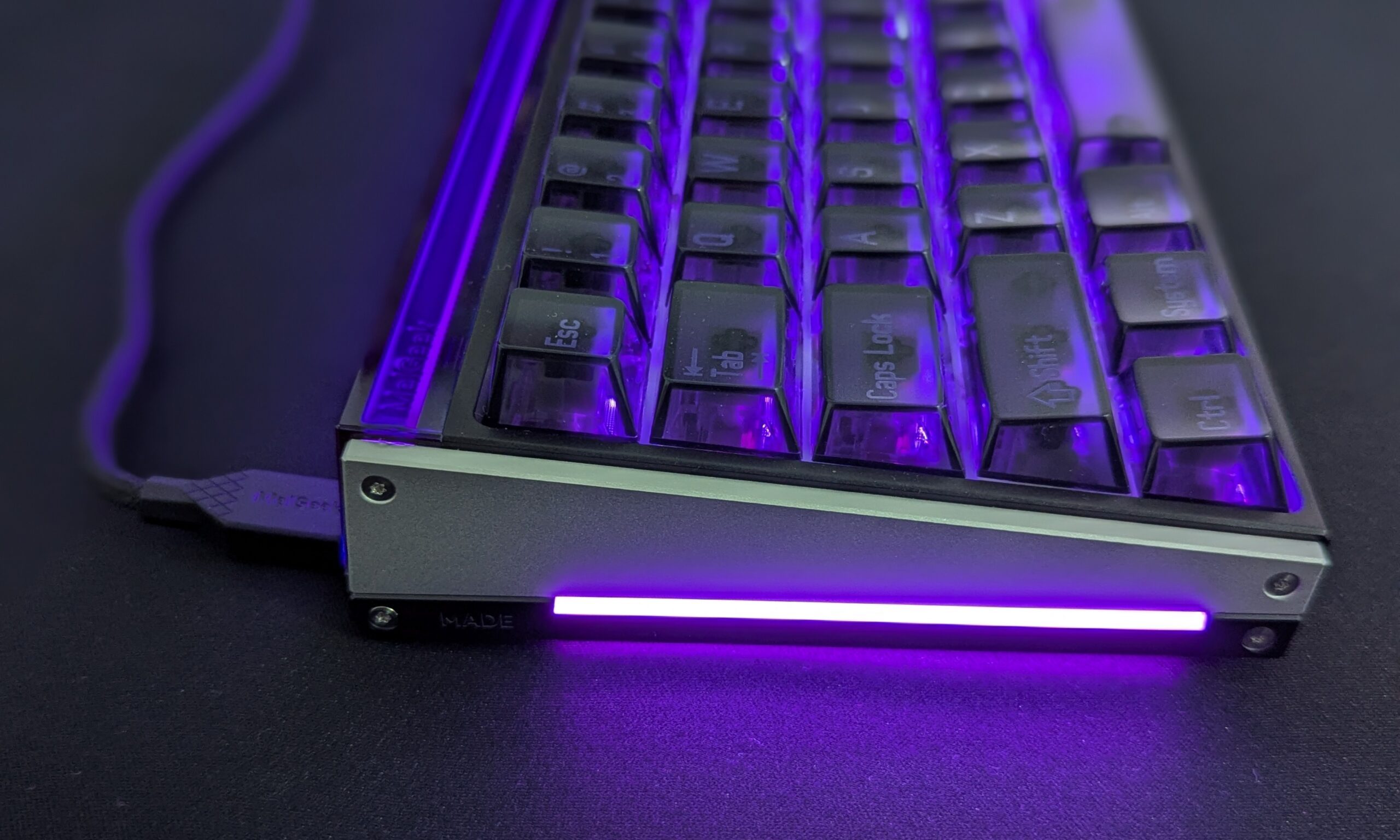
My Night Purple model has a black-and-purple theme inspired by Reyna from Valorant, surrounded by a bright 360-degree RGB light bar. It’s not subtle, but I like it.
More importantly, the MADE68 Ultra V2 feels expensive. The CNC aluminum chassis weighs 1,175 grams (2.6 lbs), and there is no flex, creaking, loose panels, or uneven fit anywhere I can find. It stays planted even when I’m hammering WASD during an intense Siege match.
Moving from the 75% keyboards I’ve used for years to a 65% layout also gives me noticeably more mouse room. Unfortunately, the smaller layout exposed my biggest problem with this keyboard.
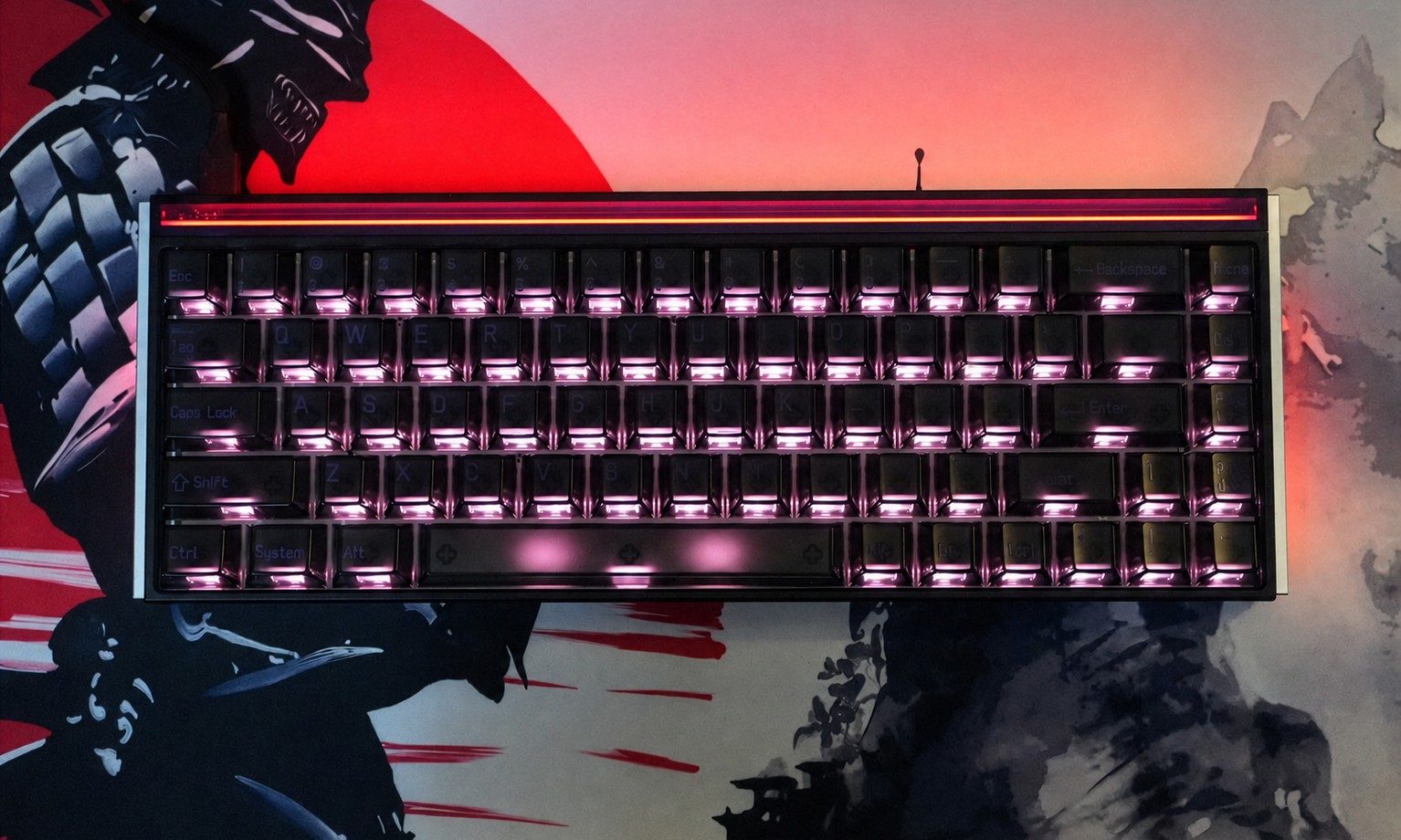
The transparent polycarbonate keycaps look fantastic, but they’re a usability headache. Many secondary functions, including F1 through F12, aren’t labeled, while the legends aren’t shine-through. Cranking up the RGB can actually make them harder to read.
I touch type and they still annoy me. If I keep the MADE68 Ultra V2 as my daily driver, the keycaps are the first thing I’m replacing.
These switches won me over
My review unit uses MelGeek’s linear KOM Lite magnetic switches, and they’re the reason I would keep this keyboard. They’re light, remarkably smooth, and consistent across the board. There is practically no noticeable stem or keycap wobble, while the return feels quick and clean. More importantly, they remain comfortable through long workdays where I’m typing for hours.
I love how they sound too. The KOM Lite switches have a crisp, snappy character that’s clearly audible without becoming obnoxiously loud. Letter and number keys sound remarkably consistent, while the stabilized keys have a slightly deeper version of the same sound. I couldn’t detect any meaningful stabilizer tick or rattle either.
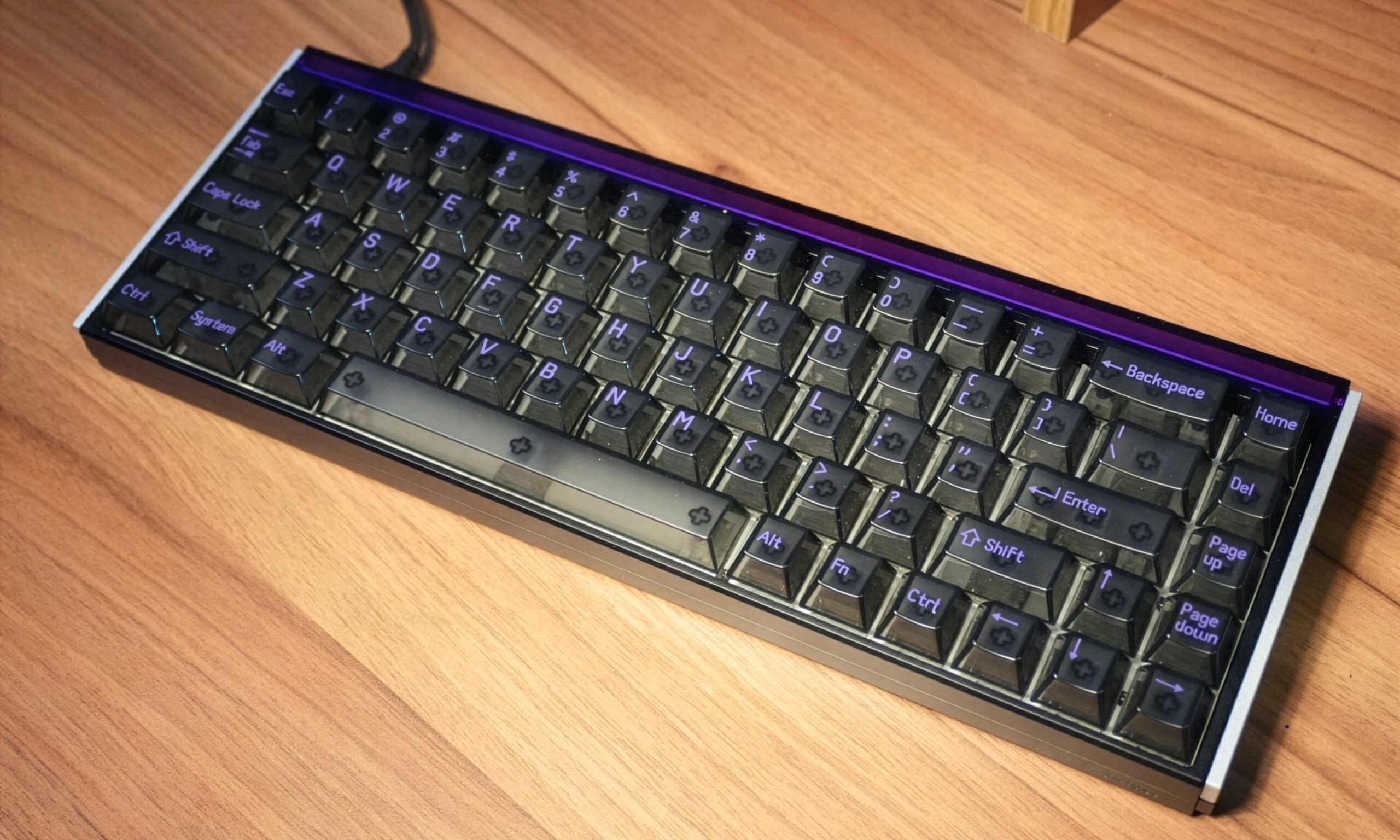
Backspace is the only slight exception, producing a somewhat hollower, higher-pitched tone.
MelGeek uses a silicone gasket mount and several dampening layers, but don’t expect a soft or bouncy typing experience. The MADE68 Ultra V2 feels firm and stable. I can force visible gasket movement by pressing unusually hard, but I don’t feel it during normal use. After a month, typing remains my favorite part of this keyboard.
Don’t blindly chase 0.1mm actuation
The MADE68 Ultra V2 offers adjustable actuation from 0.1mm to 3.4mm per key. Naturally, I started at 0.1mm.
Bad idea.
Merely resting my fingers on WASD could trigger movement. During one Siege match, I was waiting behind cover to swing an opponent when a tiny movement of my finger actuated a key early and gave away my position.
After experimenting, I settled on 0.6mm for WASD and 1.5mm for normal typing. That’s sensitive enough for gaming without turning every tiny finger movement into an input.
Rapid Trigger is far more useful. I eventually settled at 0.3mm sensitivity and kept it enabled throughout my competitive testing. Strafing in CS2 feels sharper, while quick leaning in Siege feels cleaner. Push the sensitivity too far, however, and unwanted double inputs start appearing.
SOCD goes further. I tested it in Overwatch, where alternating A and D became almost mechanically precise. It works exactly as intended, but my opinion hasn’t changed: I don’t think this degree of automated directional control belongs in competitive multiplayer games.
Then there’s 8,000Hz polling. I verified that the keyboard was running at 8,000Hz using Keyboard Inspector, but couldn’t tell it apart from 1,000Hz in any of the games I tested. Rapid Trigger made a far more noticeable difference.
HIVE 2.0 gets the important stuff right
A Hall Effect keyboard this configurable needs good software, and HIVE 2.0 delivers.
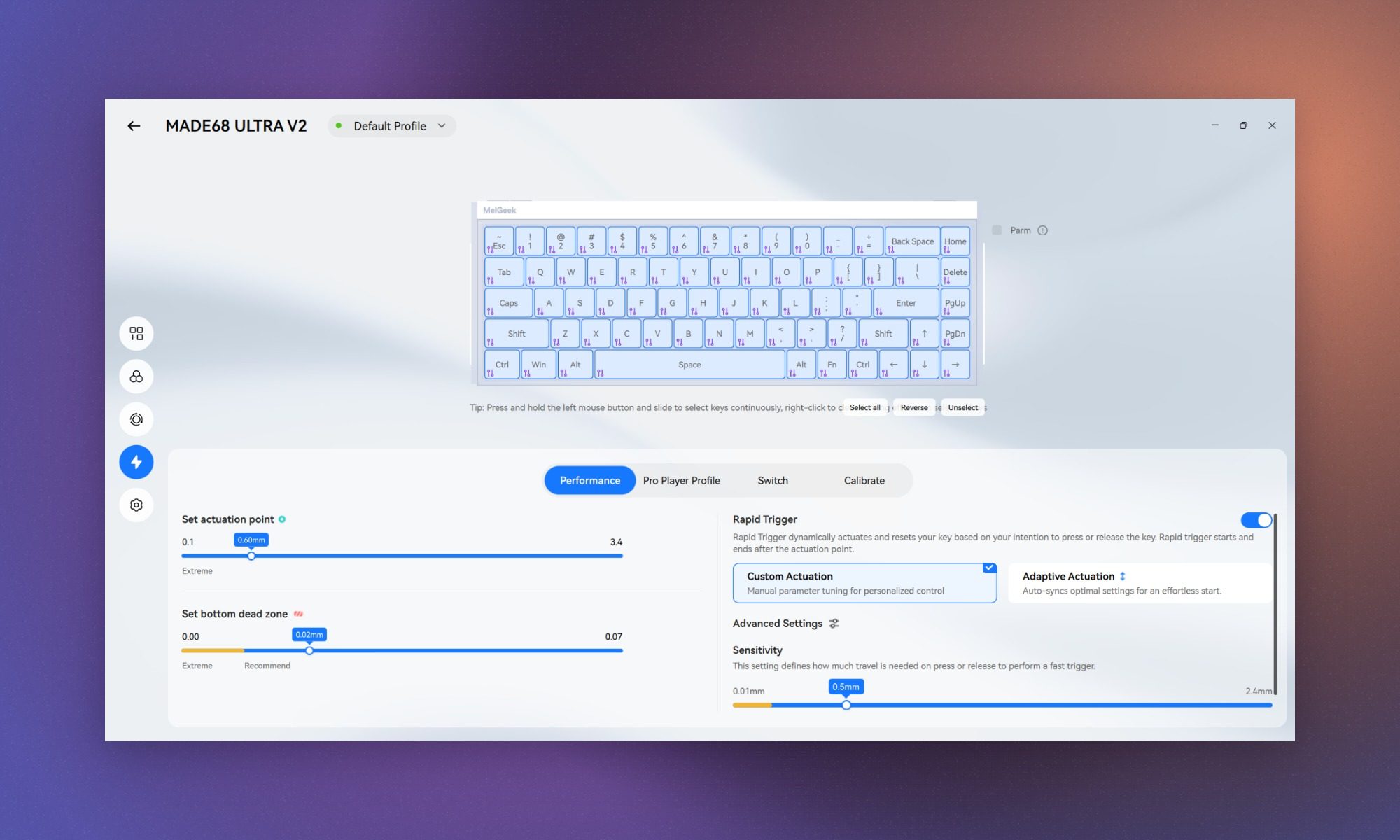
MelGeek’s web driver reliably detected my keyboard and gives you control over actuation, Rapid Trigger, SOCD, remapping, profiles, calibration, lighting, and firmware updates without installing an application. Changes apply immediately and remained intact after rebooting or reconnecting the keyboard.
The desktop app wasn’t quite as seamless. It reliably detected my keyboard through a motherboard USB port but occasionally struggled through my case’s front ports. I also encountered some untranslated text in the settings, although the software never crashed during my month of testing.
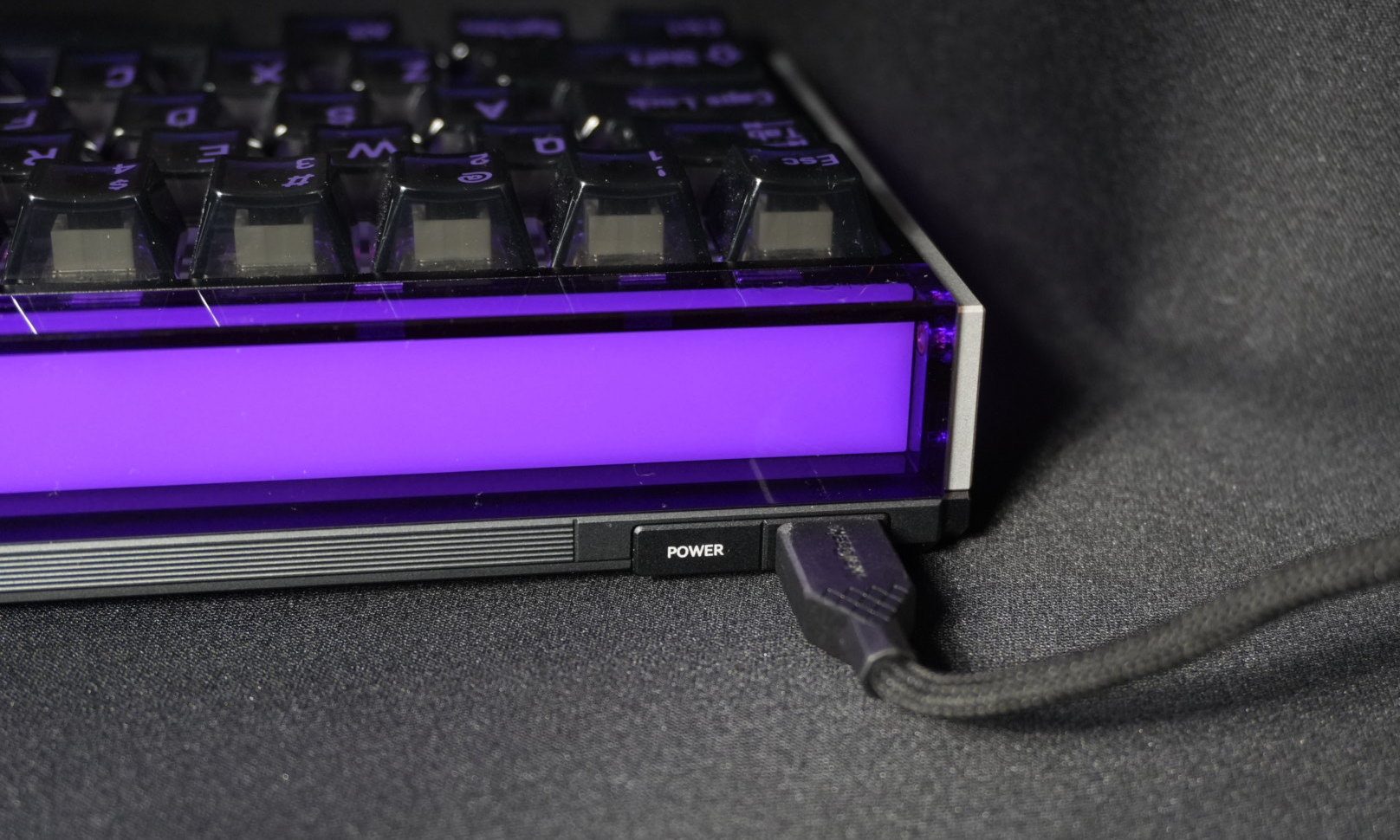
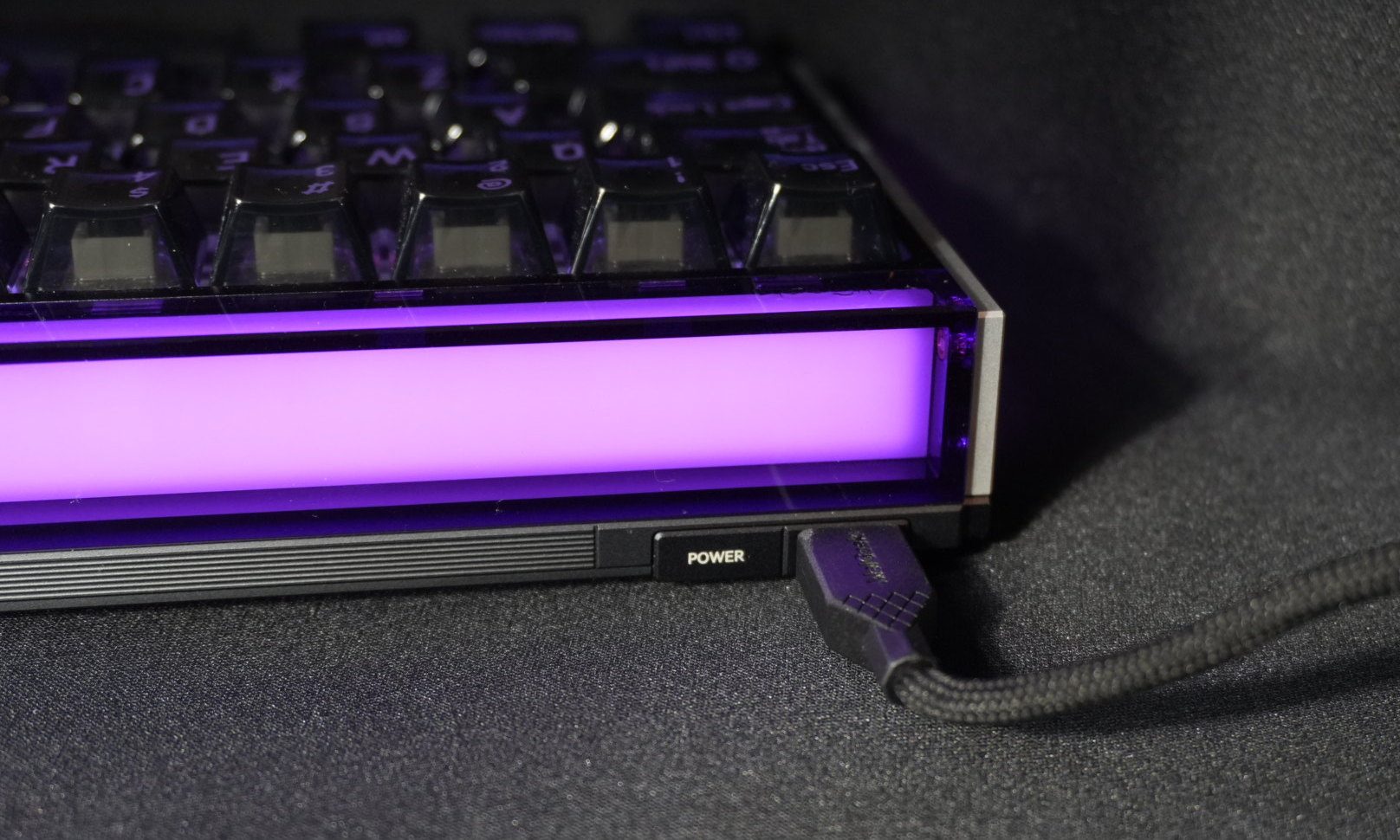
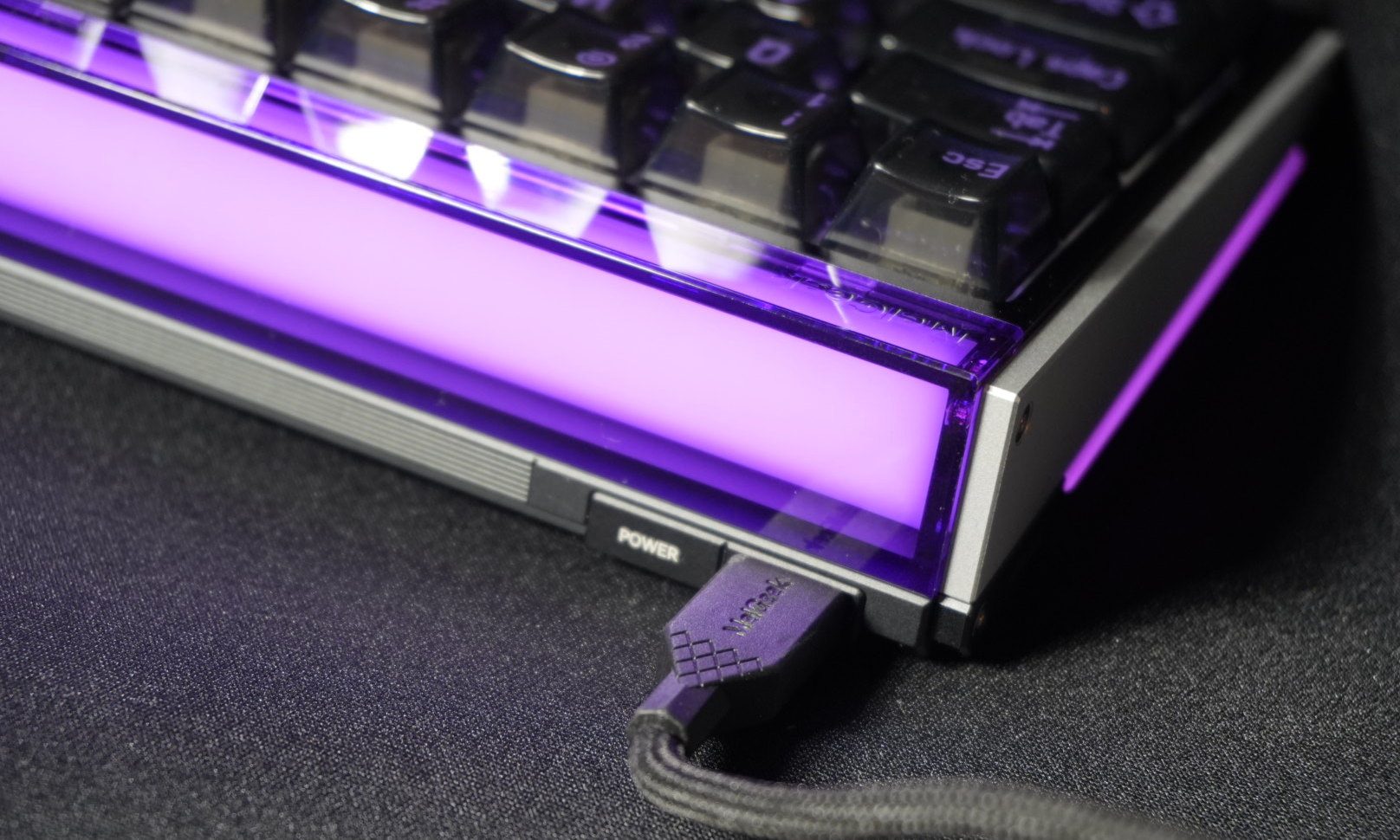
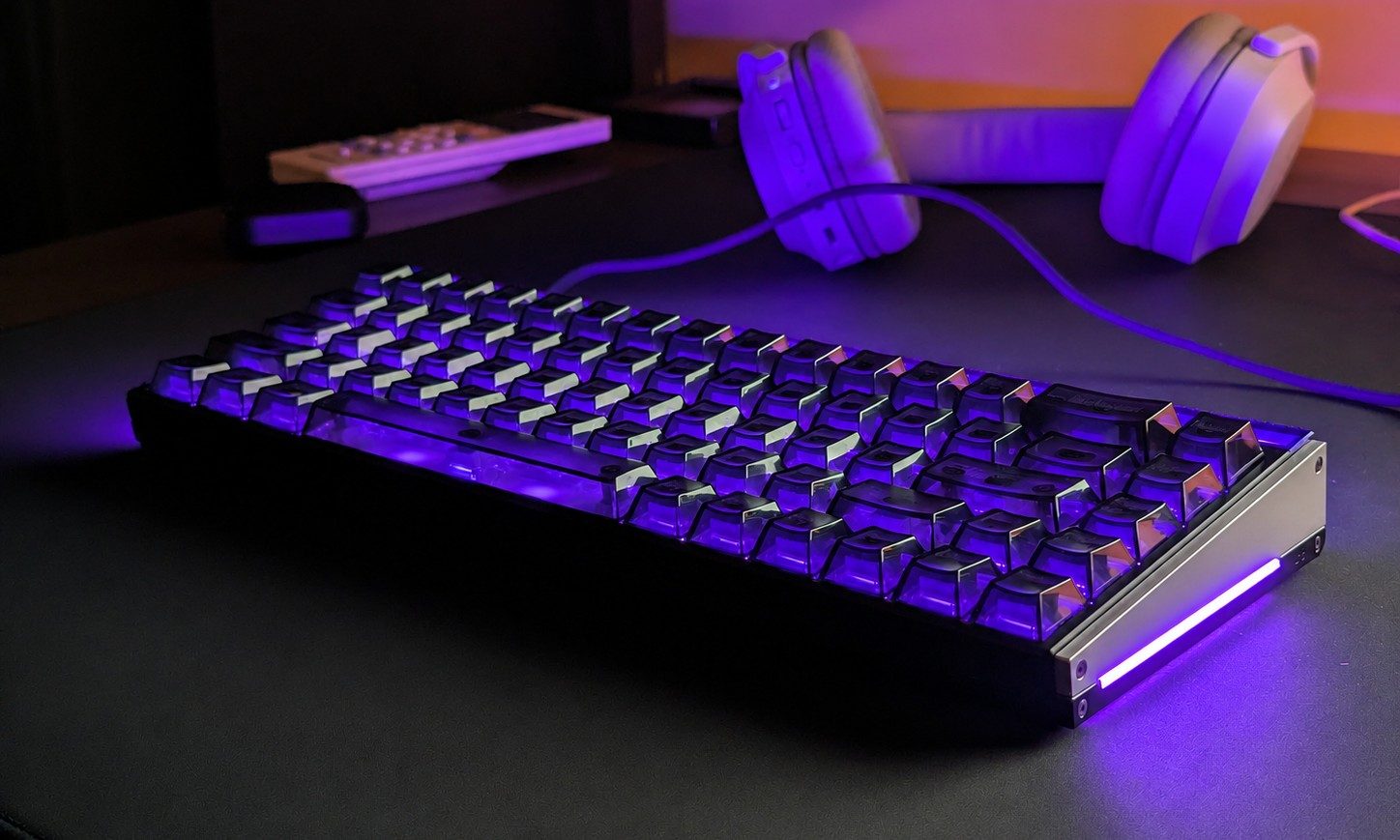
Lighting is where HIVE gets considerably more interesting. The 360-degree perimeter bar is exceptionally bright and evenly illuminated, while effects such as Flow and Shuttle look fantastic in a dark room.
AI Glow generates lighting from text prompts, but it’s inconsistent and occasionally fails to produce anything. Music Rhythm is much better, turning the keyboard into an audio visualizer that I’ve regularly used while listening to Spotify.
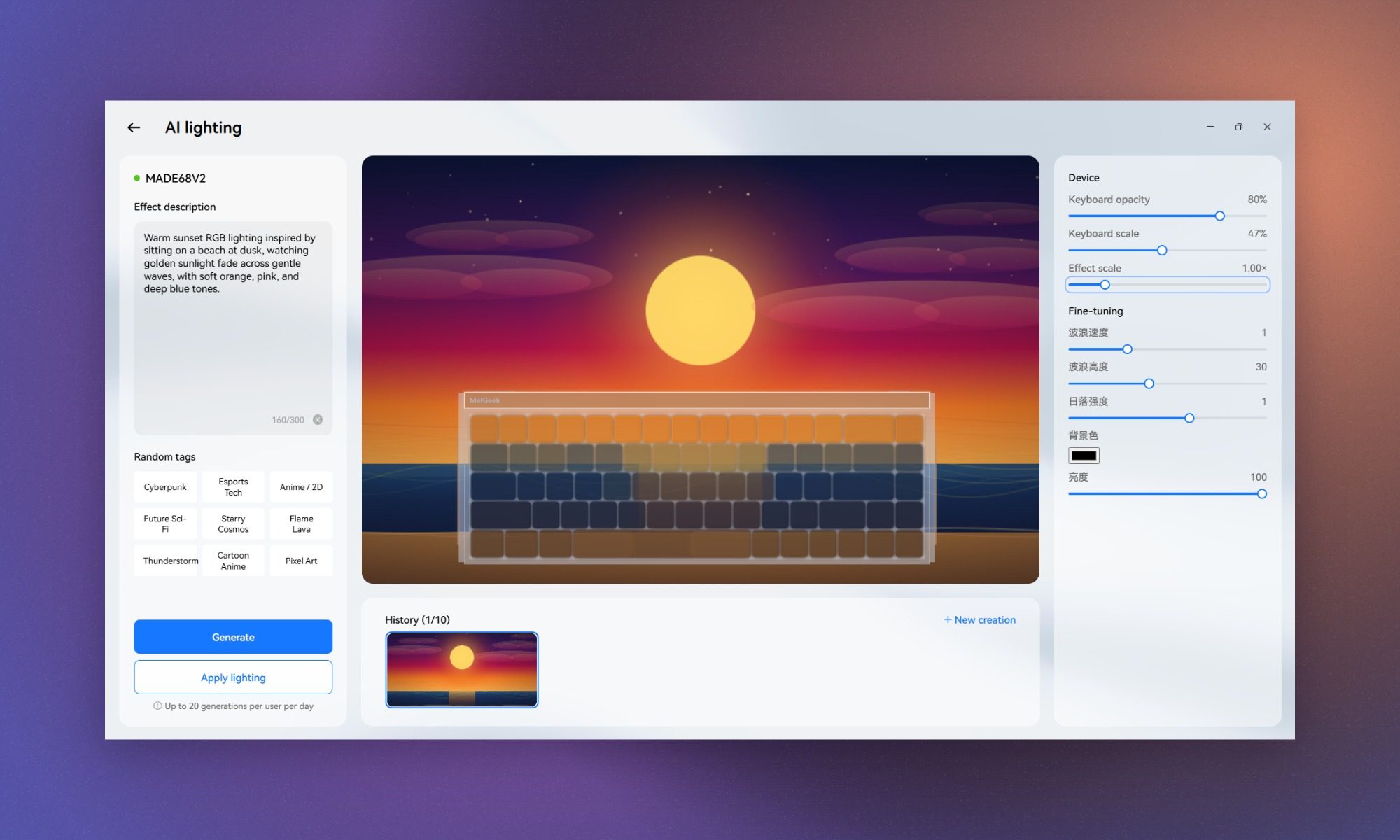
I even used GIF lighting to make a crude animated Tetris loop run across the keyboard. Is any of this necessary? Absolutely not. But it’s fun, and it gives the MADE68 Ultra V2 personality that most gaming keyboards lack.
Should you buy the MelGeek MADE68 Ultra V2?
At $219, the MADE68 Ultra V2 isn’t for everyone. It’s also wired-only, so anyone looking for a completely wireless setup can rule it out immediately. Its nearly 1.2kg (2.6 lbs) weight also makes it a poor choice for gamers who regularly travel with their keyboards. Still, after a month, I don’t want to take the MADE68 Ultra V2 off my desk.
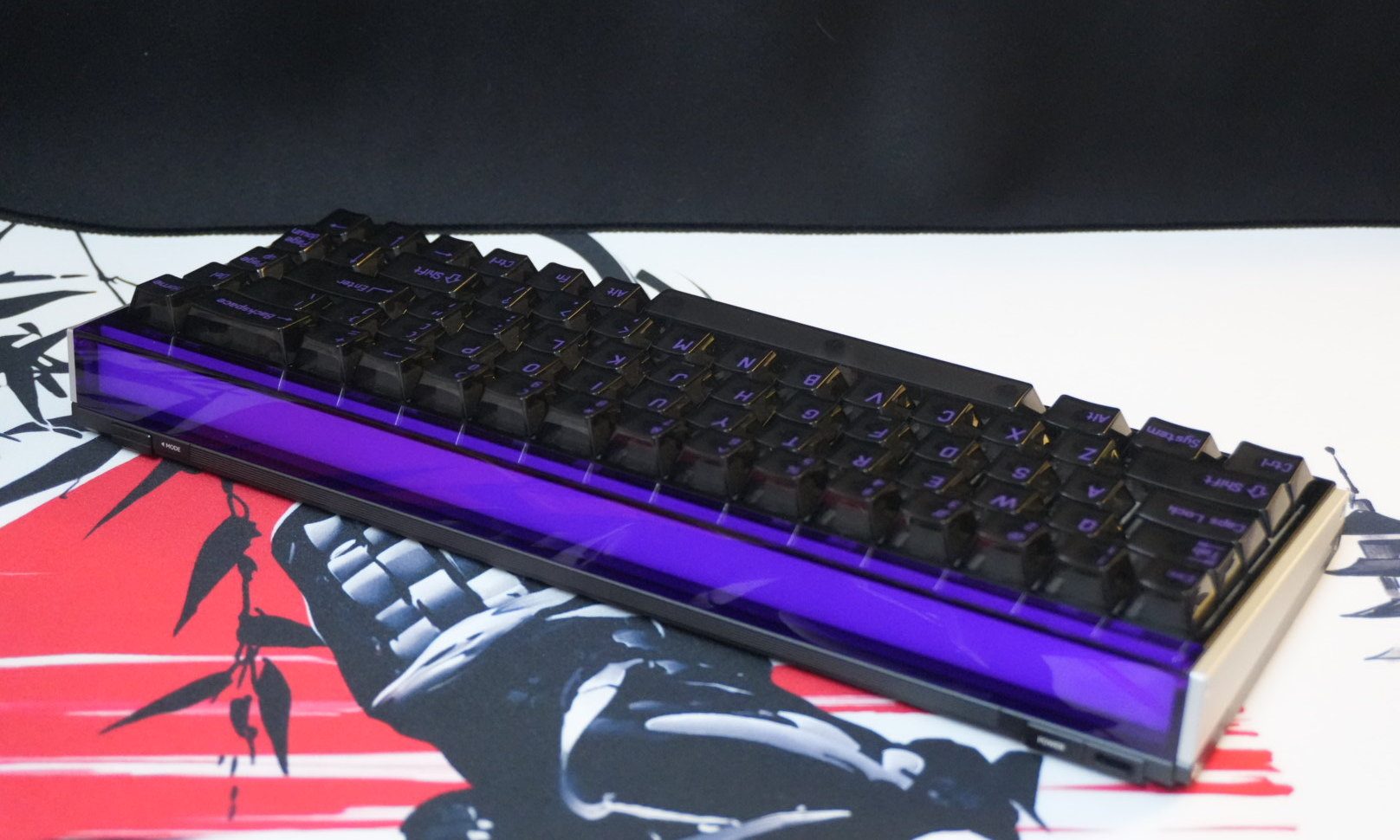
The aluminum construction is excellent, Rapid Trigger genuinely improves how the keyboard feels in competitive shooters, HIVE 2.0 makes its enormous feature set easy to manage, and the lighting goes far beyond the usual collection of RGB effects. If you’re building an RGB-heavy setup, this keyboard is made for showing off. In a dark room, the 360-degree light bar and bright per-key lighting can turn the MADE68 Ultra V2 into the centerpiece of the entire desk, and effects like Flow and Music Rhythm give it far more personality than the usual rainbow cycle.
The transparent keycaps remain my biggest frustration, and $219 is a lot of money for a wired 65% keyboard. Neither has changed what surprised me most about it. I came into this review expecting a gaming keyboard I could tolerate for work. Instead, the KOM Lite switches have made it one of my favorite keyboards to type on. I just need a new set of keycaps first.
Why not try the Wooting 80HE?
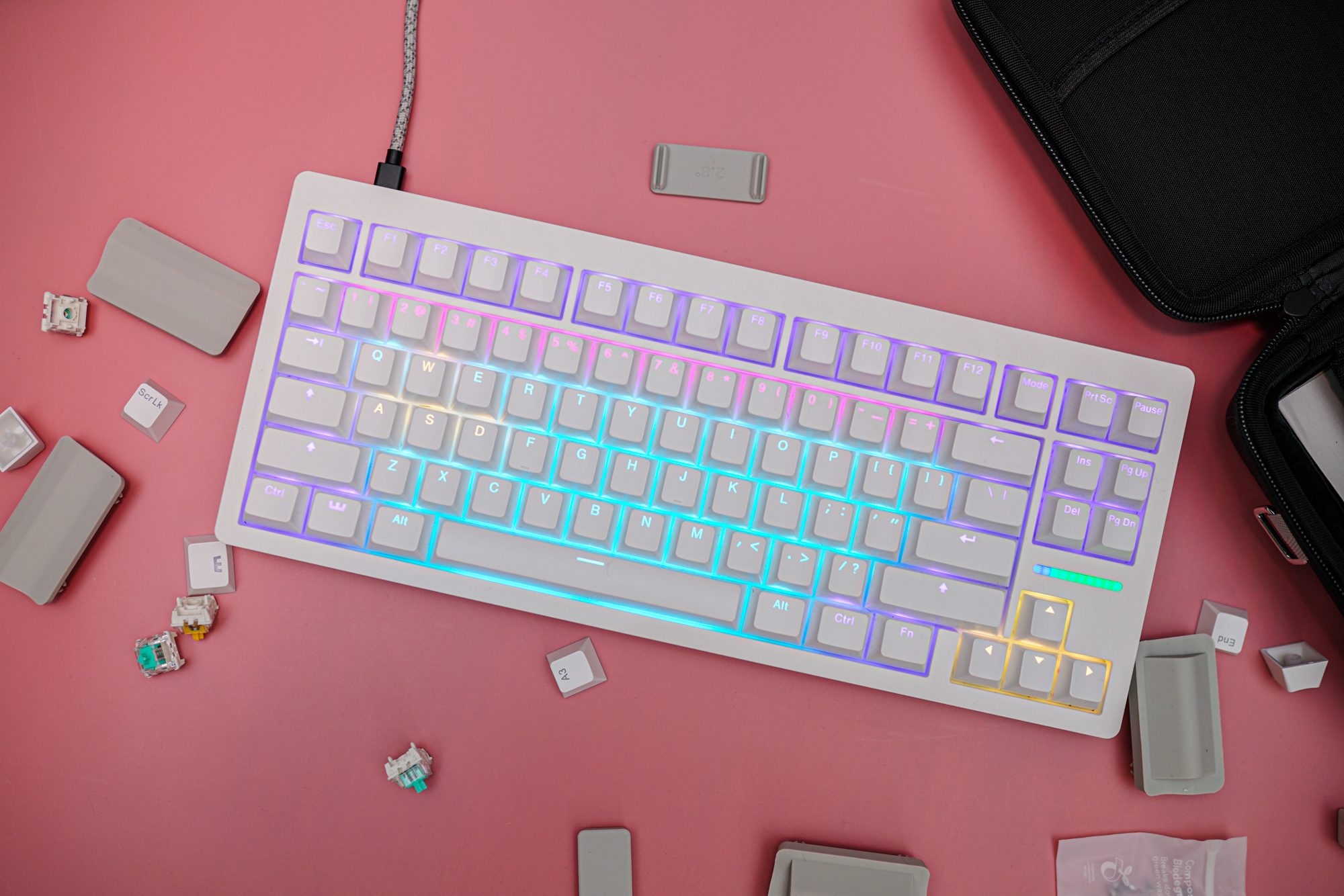
The Wooting 80HE is a better fit if you care more about polished Hall Effect fundamentals than the MADE68 Ultra V2’s metal build and extravagant lighting. It starts at $200, offers 8,000Hz polling, adjustable actuation, Rapid Trigger, and Wooting’s excellent Wootility software, although the base model uses a PCR plastic case and the zinc-alloy version jumps to $290.
How we tested
I spent about a month using the MelGeek MADE68 Ultra V2 as my main keyboard, swapping out my usual Royal Kludge RK R87 Pro and relying on it for both daily writing and gaming.
For gaming, I put it through regular sessions of Rainbow Six Siege, Counter-Strike 2, and Overwatch, while changing actuation points and Rapid Trigger sensitivity to find settings that actually worked for me. I also compared 1,000Hz and 8,000Hz polling, tested SOCD in Overwatch, and used both the web and desktop versions of MelGeek Hive. Outside gaming, I paid close attention to long-session typing comfort, switch and stabilizer behavior, acoustics, keycap visibility, and the keyboard’s lighting features, including AI Glow, Music Rhythm, GIF lighting, and the 360-degree ambient light bar.
FAQ (Frequently Asked Questions)
Is the MelGeek MADE68 Ultra V2 wireless?
No. The MADE68 Ultra V2 is a wired-only keyboard and connects over USB-C.
Does the MelGeek MADE68 Ultra V2 have Rapid Trigger?
Yes. Rapid Trigger sensitivity is adjustable through HIVE 2.0. During my testing, I settled on 0.3mm sensitivity for competitive FPS games, although it can go as low as 0.1mm.
Is it available with different switches?
Yes. The MADE68 Ultra V2 is also available with TTC Flip King Magnetic White Hall Effect switches. These are linear as well, but have a more thocky sound compared to the KOM Lite switches I reviewed.
Are the switches hot-swappable?
Yes, the switches are hot-swappable, but you need to be careful about compatibility. Since this is a Hall Effect keyboard, you can’t simply use any mechanical or magnetic switch. Make sure the replacement switches are compatible with the MADE68 Ultra V2.