Adobe is done treating Acrobat as just a PDF reader. The company has rolled out a new set of AI features, powered by its Adobe Productivity Agent, that turn plain documents into something you can actually listen to, skim, or show off.
What can the new AI features do for Acrobat users?
The headline feature is Stylize, and it’s exactly what it sounds like. Feed Acrobat a plain resume, invoice, or report, and it will redesign it using one of thousands of Adobe Express templates while keeping all your original content intact.
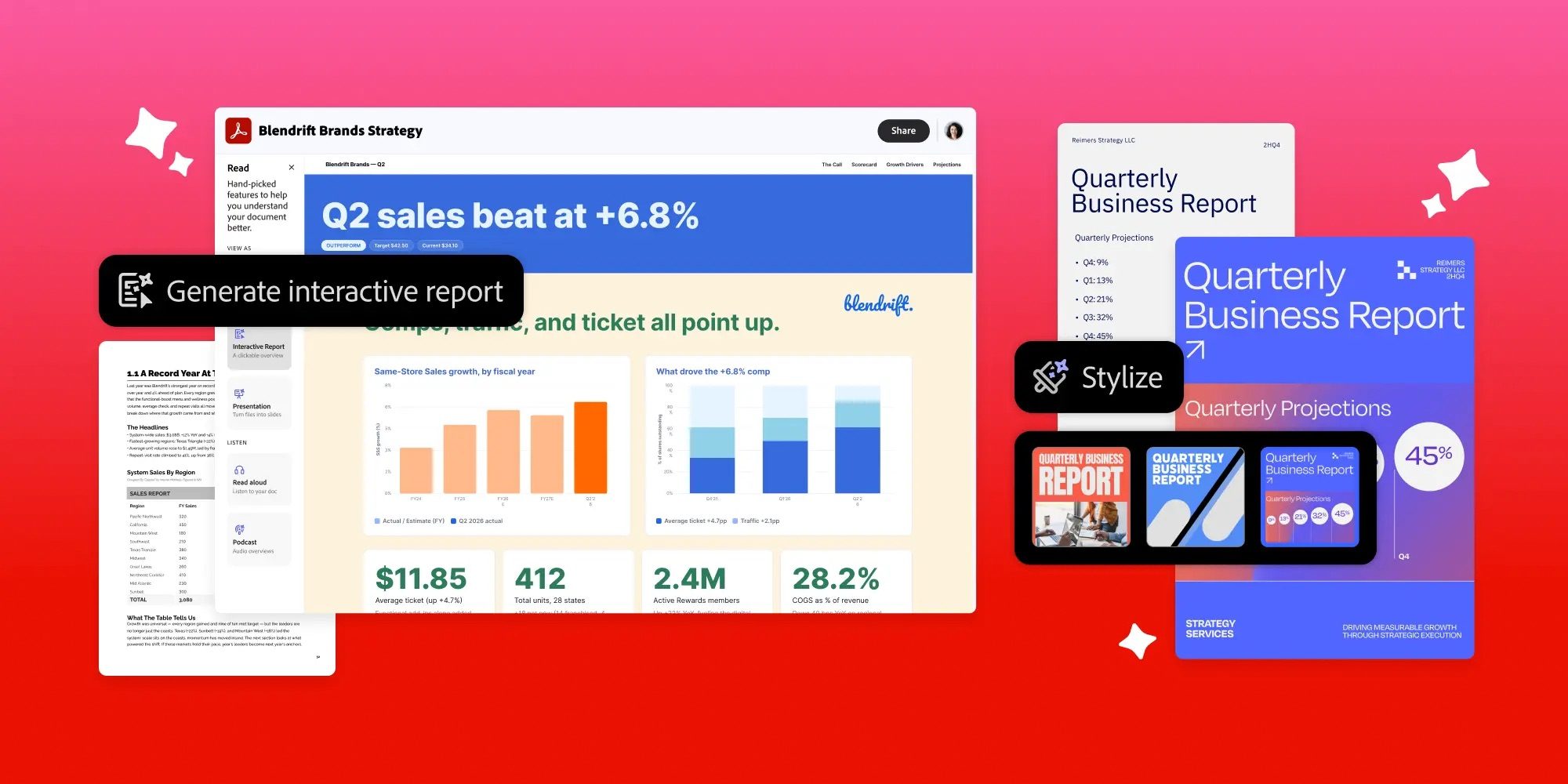
Then there’s Interactive Reports, which takes dense documents and turns them into visuals you’d actually want to open. Acrobat scans your file, asks a few questions to understand what you need, and spits out a report complete with charts and easy navigation. If reading isn’t your thing, you can also convert documents into a personal podcast or audio summary, perfect for catching up on research during a commute.
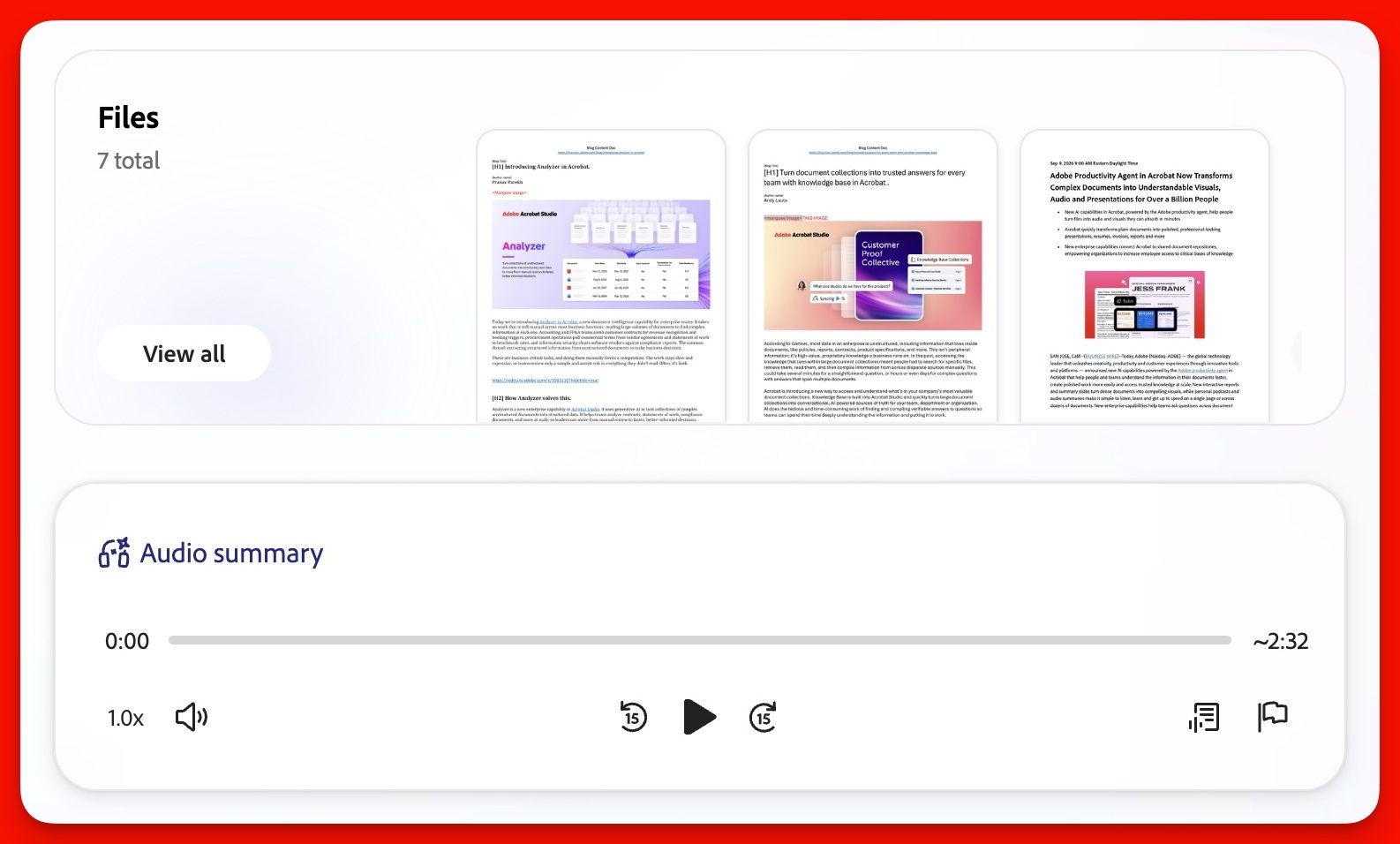
Adobe is also rolling out Knowledge Base and Analyzer for teams. Knowledge Base lets you ask questions across your entire document library and get sourced answers instead of digging through folders. Analyzer goes a step further, pulling structured data out of thousands of files at once, handy if your job involves tracking contracts, invoices, or vendor agreements.
What’s there for students?
Adobe has cooked something special for students too. Student Spaces, which launched in beta earlier this year, is now available globally. It can generate flashcards, quizzes, and study guides. The update also adds citations for classroom documents, the ability to turn handwritten notes into study material, and an AI assistant that can review your resume before an internship or job interview.
All these features live in Acrobat Studio, Acrobat Express, and Acrobat AI Assistant Plus. Enterprise users get access to Knowledge Base and Analyzer through Acrobat Studio for Enterprise. Whether you’re a student cramming for finals or someone drowning in PDFs at work, Acrobat’s new AI tricks might actually save you a few hours.