Google has been steadily turning Chrome into a more AI-focused browser. Now, Google Chrome is getting new tools aimed at making studying easier, including interactive quizzes and smarter syncing between devices. If you are juggling notes, research papers, and lectures, Chrome can help keep you on track.
How Gemini in Chrome helps you learn
The quiz feature is the star here. Gemini in Chrome can now build interactive quizzes from your open tab. That could be a Google Doc of notes, a research paper, or a YouTube video. It pulls out core concepts and checks how well you understand them. The feature is rolling out in English in the US and India on desktop first, with mobile and more regions coming later.
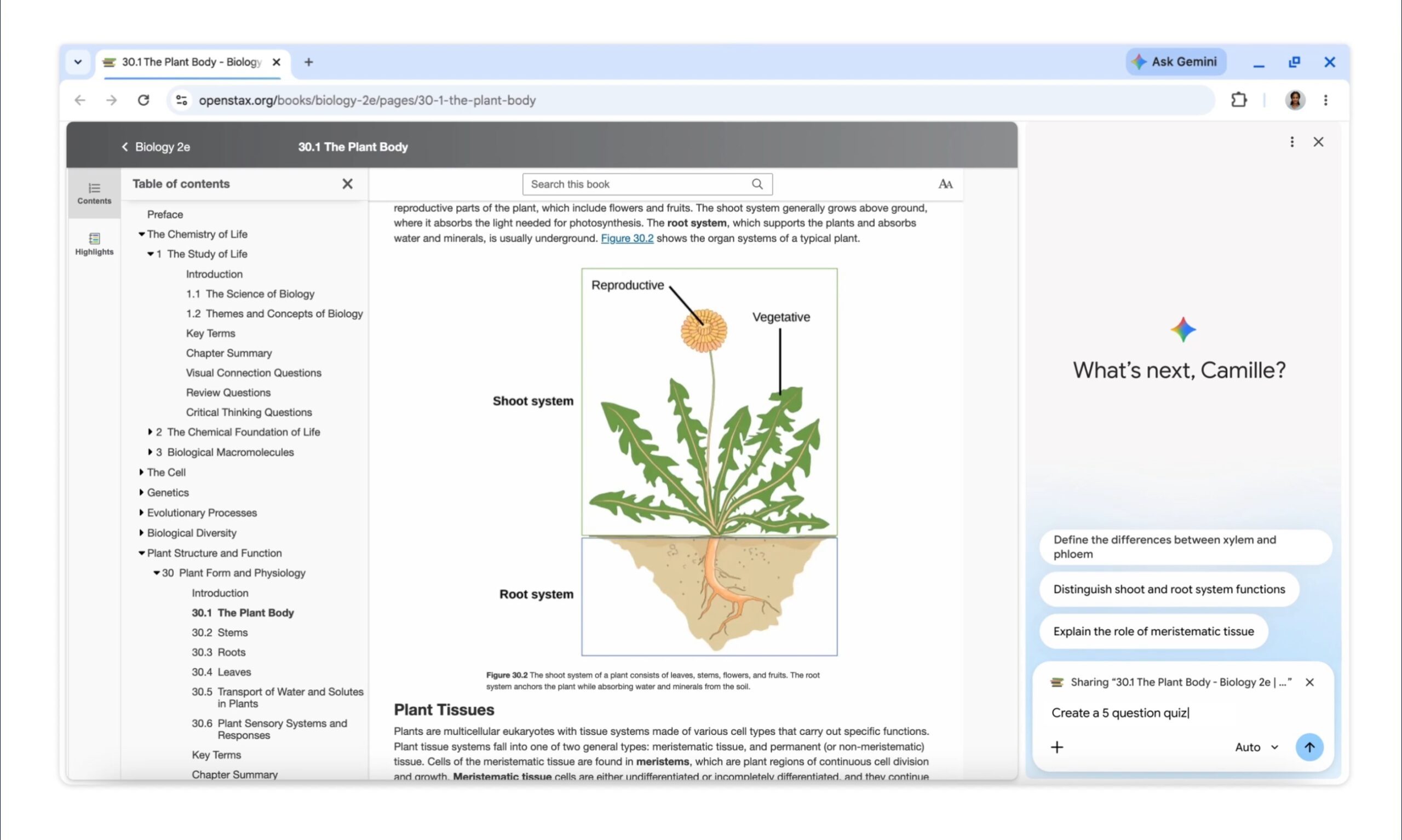
Gemini is also getting better at handling other study material. Since Gemini in Chrome is now more aware of what you’re actually looking at on screen, it can now summarize podcasts and videos on sites beyond YouTube, picking out key takeaways or clarifying confusing moments once you’ve played a file through.
How can Chrome keep your study session going?
The syncing upgrade builds on a feature you may already use. You could always send a tab between your laptop and phone. Now Chrome saves that tab’s exact state, including your scroll position and any partially filled forms. So a half-finished paper on your laptop can be picked up on your phone during your commute without losing your spot.
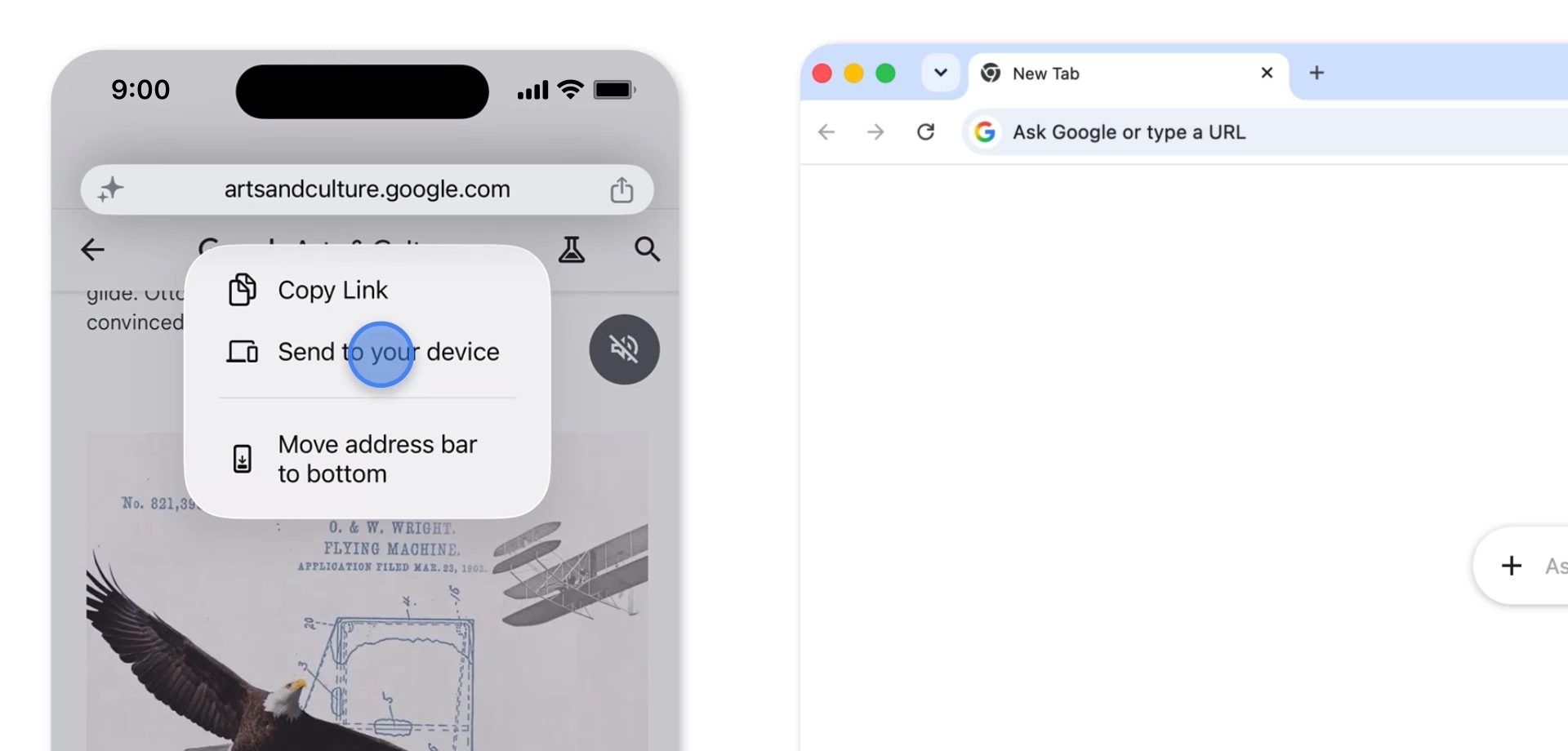
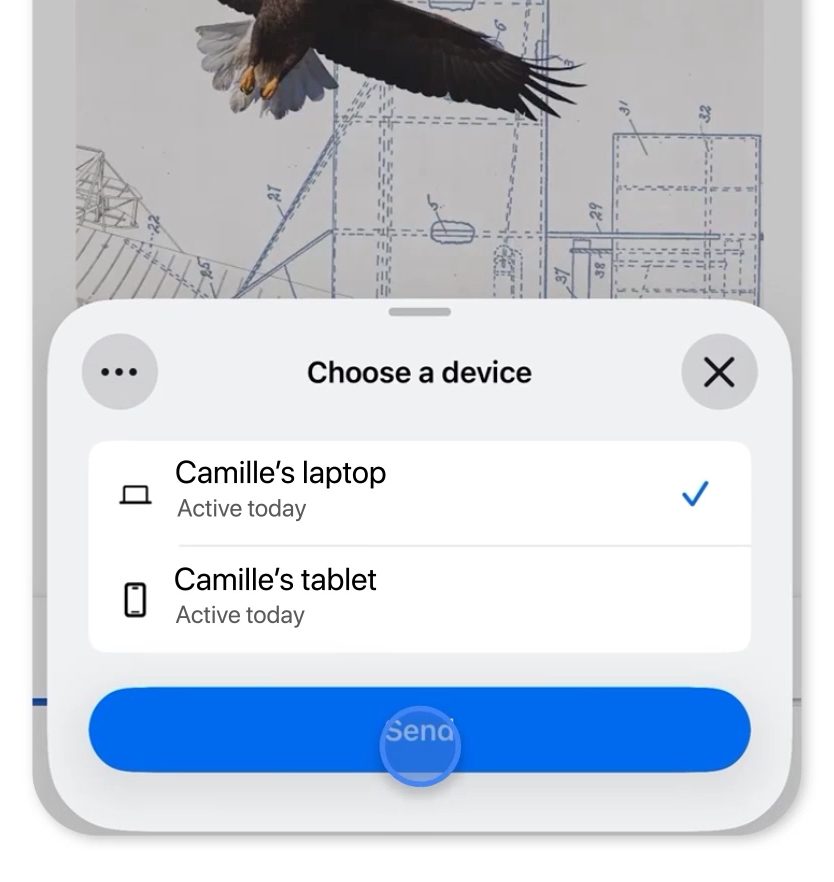
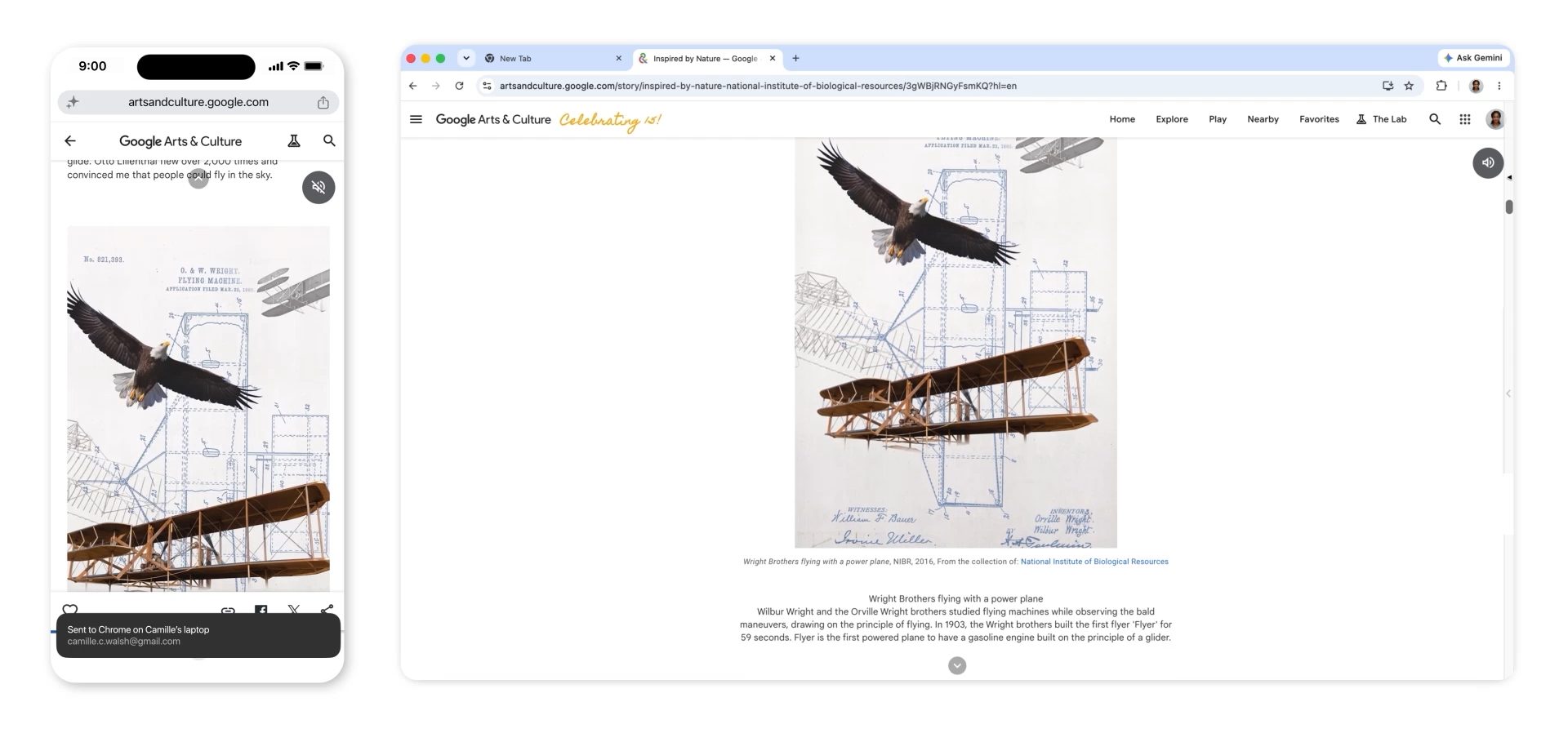
Staying organized on a single screen is easier too. Tab groups let you sort tabs by class or project, while split view keeps your notes on one side and your draft on the other. Recently, Chrome has been also experimenting with vertical tabs to help tame the chaos of multiple open tabs.
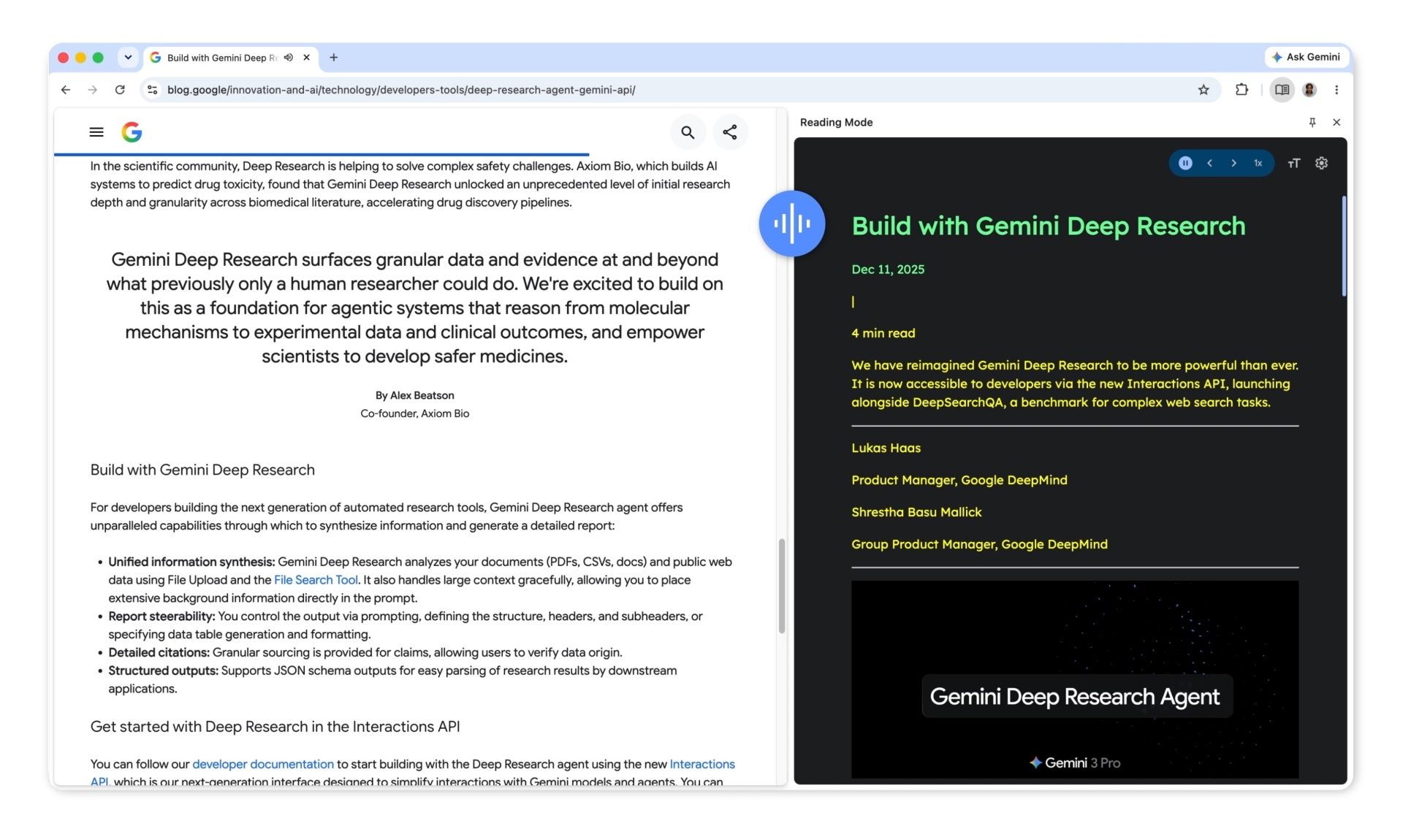
When you need a break from reading, immersive reading mode cuts the clutter and lets you adjust font, spacing, and contrast. The read aloud tool narrates pages, and on Android it can even turn a page into a podcast-style conversation.
If your study sessions usually end in forty open tabs and a lost place, Chrome’s latest updates are worth trying.