Googlebooks are finally here, and one of its biggest selling points is how closely it works with your Android phone. However, there is one catch – you need Android 17 for some of the most useful cross-device features.
Which Googlebook features need Android 17?
Googlebook is a new laptop category that can run Android apps through Googlebook OS. Its phone integration is supposed to make switching between devices feel almost effortless. Android Authority reports that according to Google’s official reviewers guide, Android 17 is required for task continuity, shared file access, phone app streaming, and synced notifications.
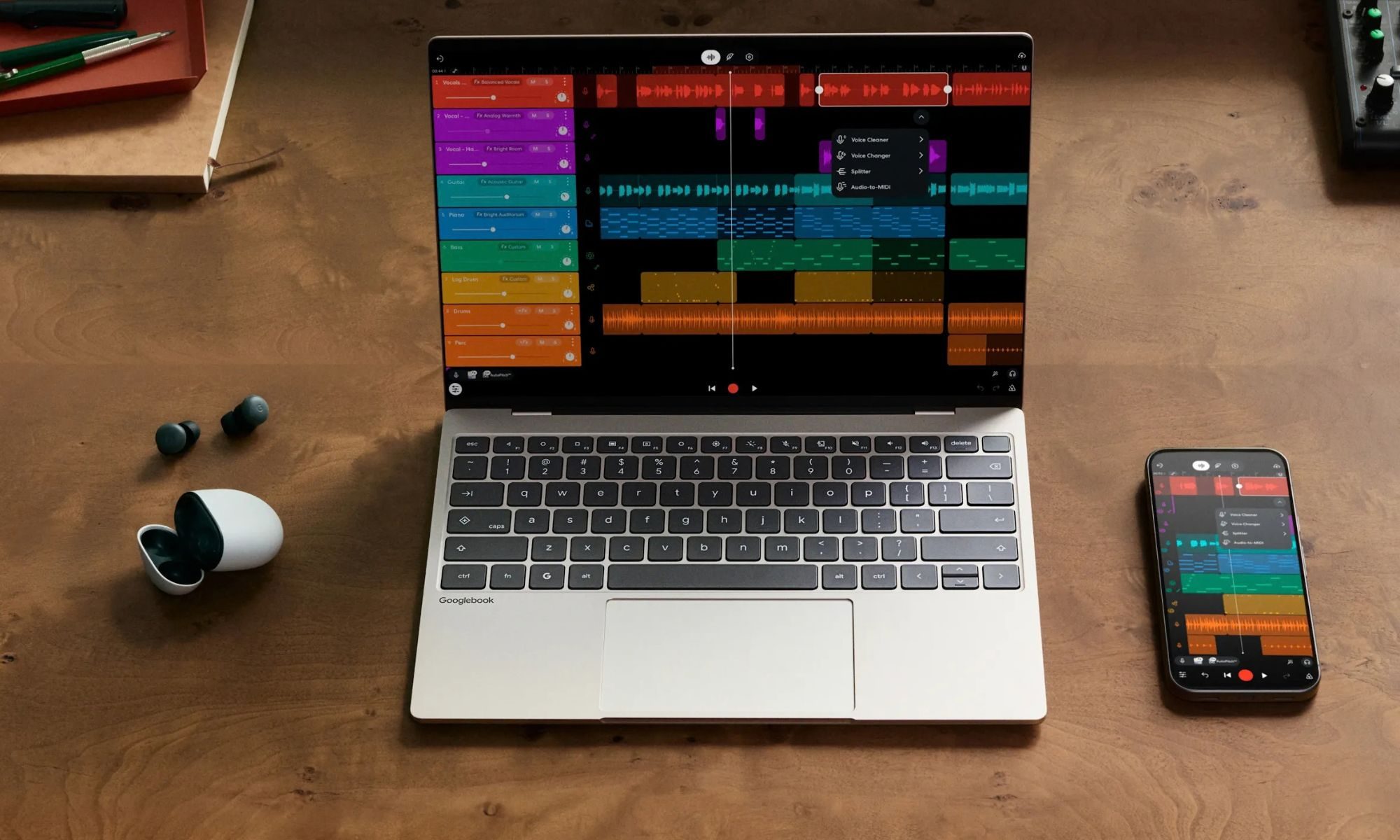
With these features, you can access your phone’s files from the laptop, continue active tasks, see notifications, and stream your phone apps. But without Android 17, those phone integration features won’t work on Googlebook.
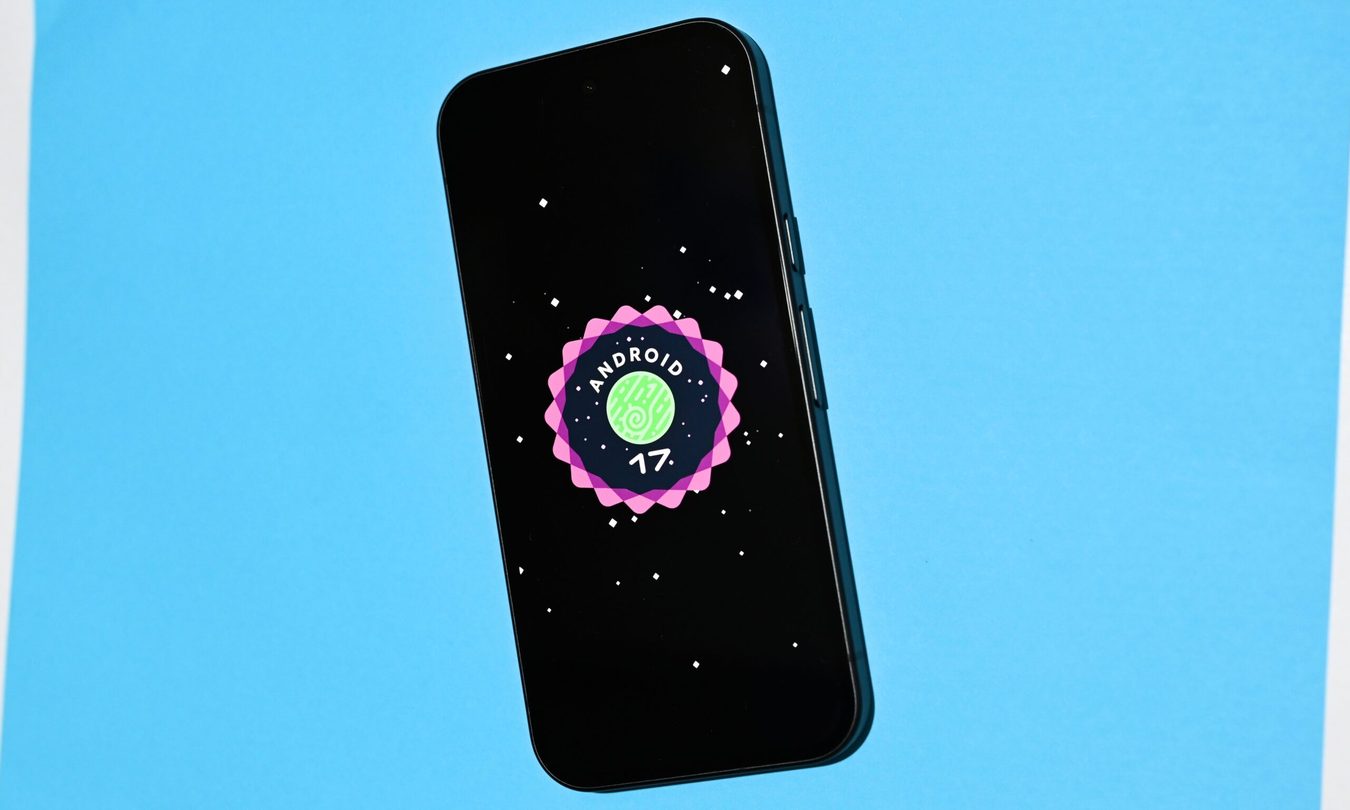
The problem is that Android 17 is not exactly everywhere yet. Pixel phones generally have it, while several models by Samsung, Xiaomi, Motorola, and OnePlus remain on a limited rollout. Some newly released phones are even arriving with Android 16, including the POCO F9 series.
Is Android 17 the only Googlebook compatibility catch?
Not quite. Googlebooks using Intel processors can also face Android app compatibility issues. Most apps should work, but some demanding apps and games need optimization for x86 hardware.
Even with Android 17, phone app streaming has privacy limits. DRM-protected video and sensitive apps, including banking apps, cannot be mirrored. Instead, Googlebook shows a privacy screen for those apps. That makes sense for sensitive information, but it is another limitation that you should know before buying.
For now, Android 17 is less of a requirement for Googlebook itself and more like the ticket to its coolest phone-connected features.
RELATED COVERAGE: